What Post Planner is
Post Planner is a social media scheduler that runs in the cloud. You connect your accounts once, and it publishes through each network’s official API from its own servers, so your computer does not need to be on. It supports Facebook Pages, Instagram, Threads, Google Business, LinkedIn profiles and pages, Pinterest, TikTok, X, YouTube and Bluesky.
What sets it apart from Buffer or Hootsuite is the content side: it suggests articles and top-performing posts to share, keeps posts in categories it calls buckets, and can recycle evergreen posts back into the queue. Plans also include an AI writer, bulk upload, a calendar view and post previews.
Post Planner for Facebook: Pages yes, groups no
On Facebook, Post Planner schedules image, video, carousel, link, text and Reels posts to Pages you manage, and its paid Growth plan and above can schedule a first comment. That covers the Page side well.
Groups are a different matter. Its Facebook page is still titled around Pages and Groups, but the same page answers the question directly: “No, Facebook discontinued allowing apps to post to Groups in April 2024.” That matches what happened: Meta removed the Groups API and the publish_to_groups permission on 22 April 2024, and no cloud scheduler has posted into groups since. See what the Groups API removal changed.
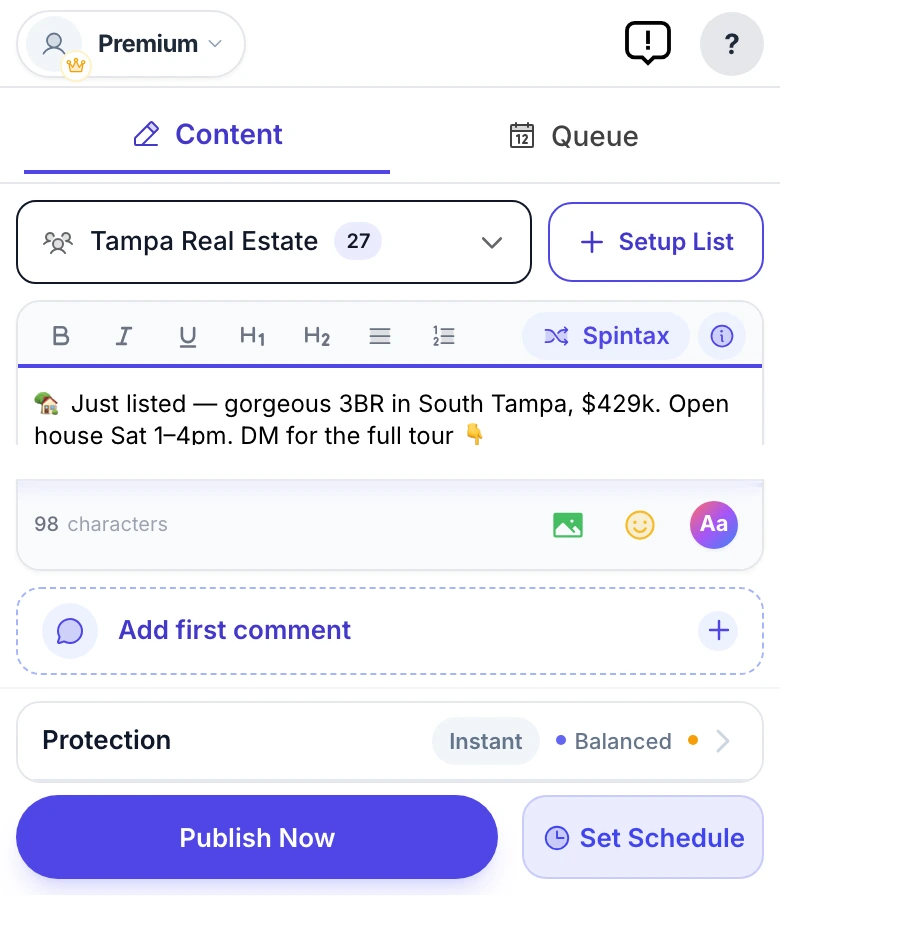
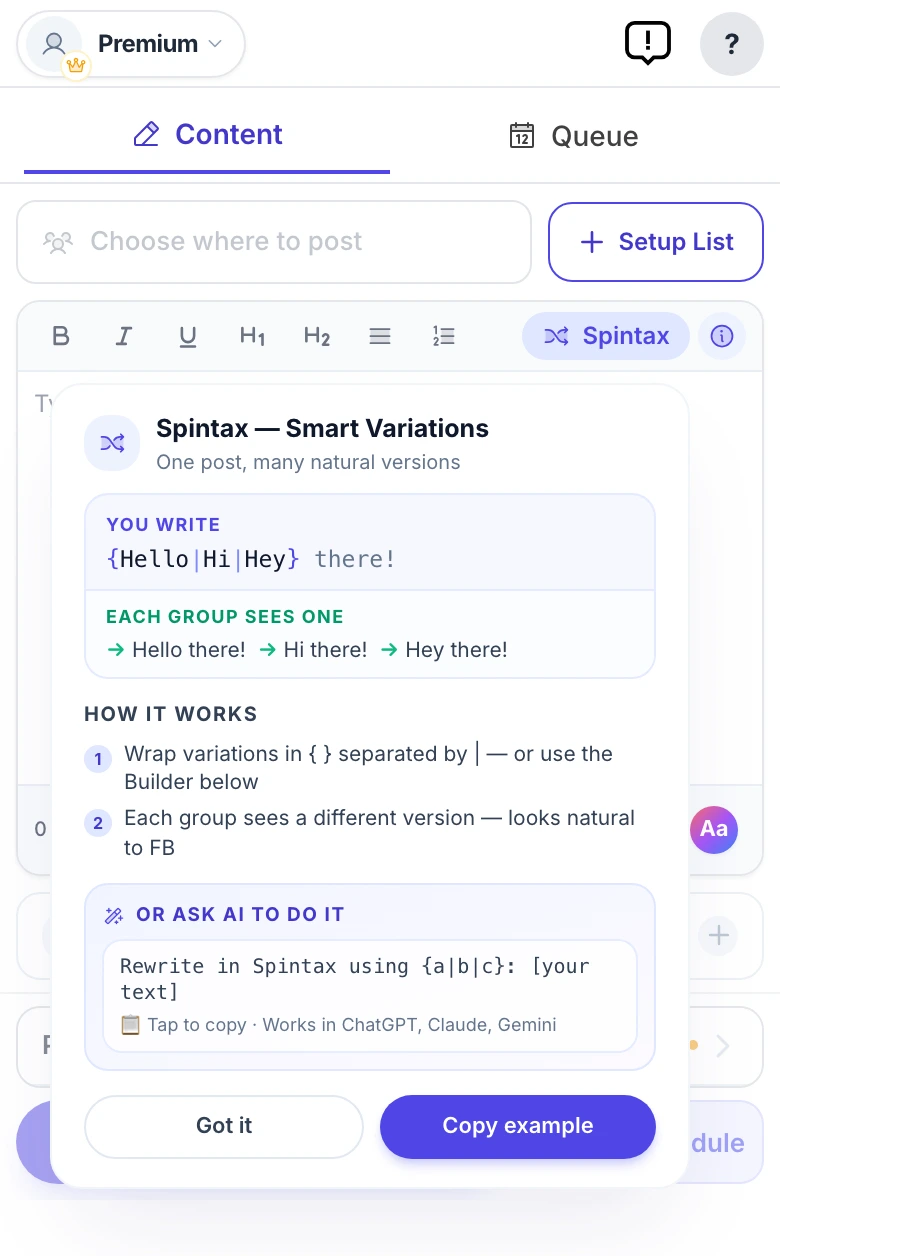
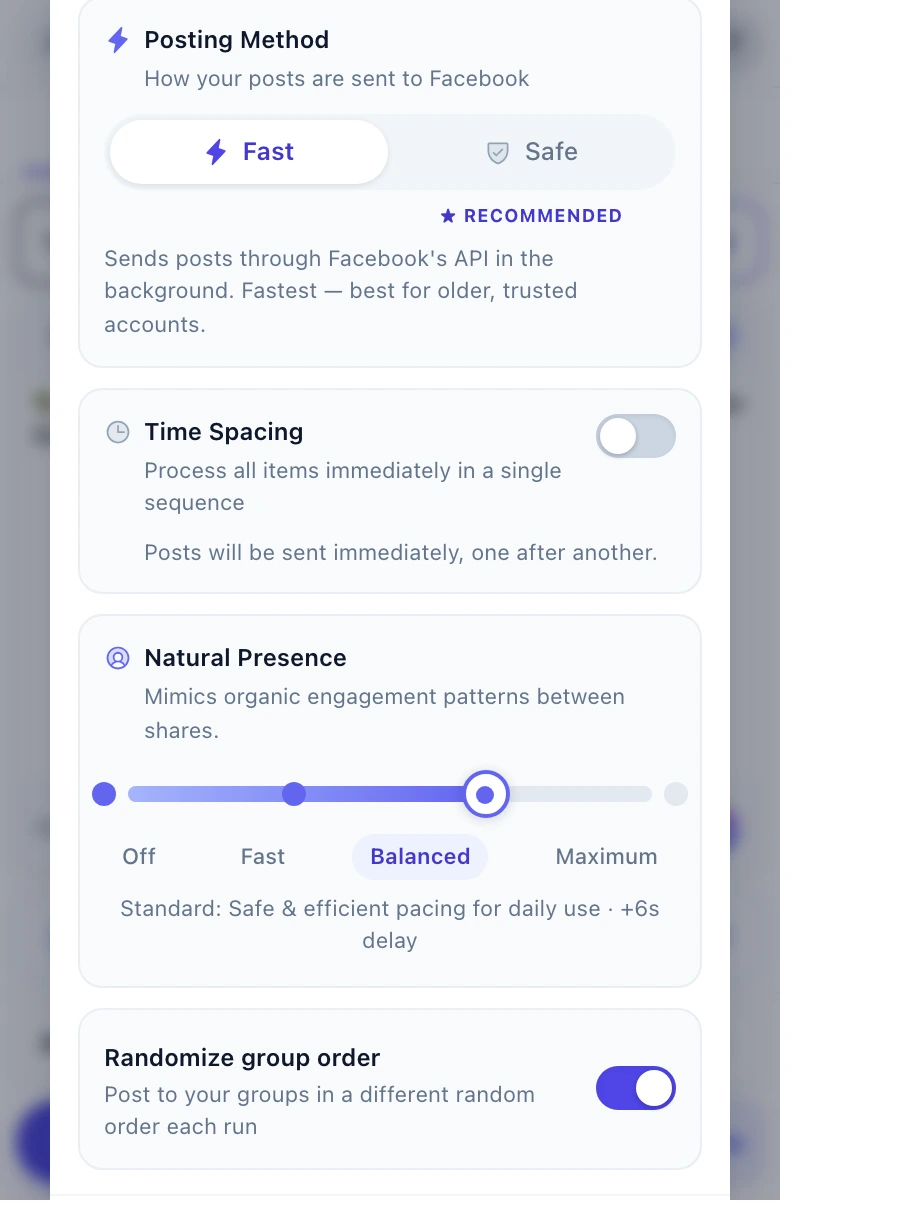
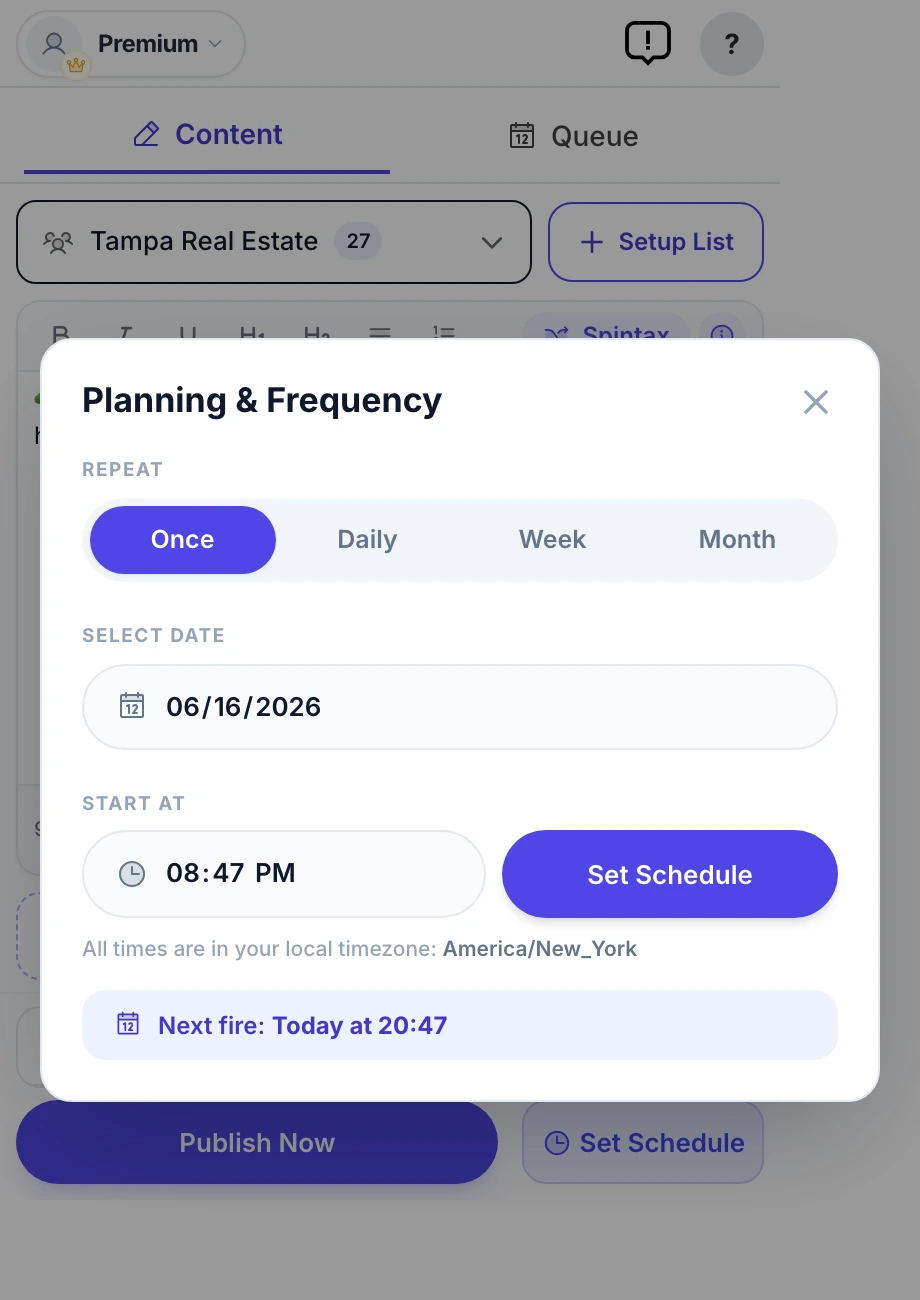
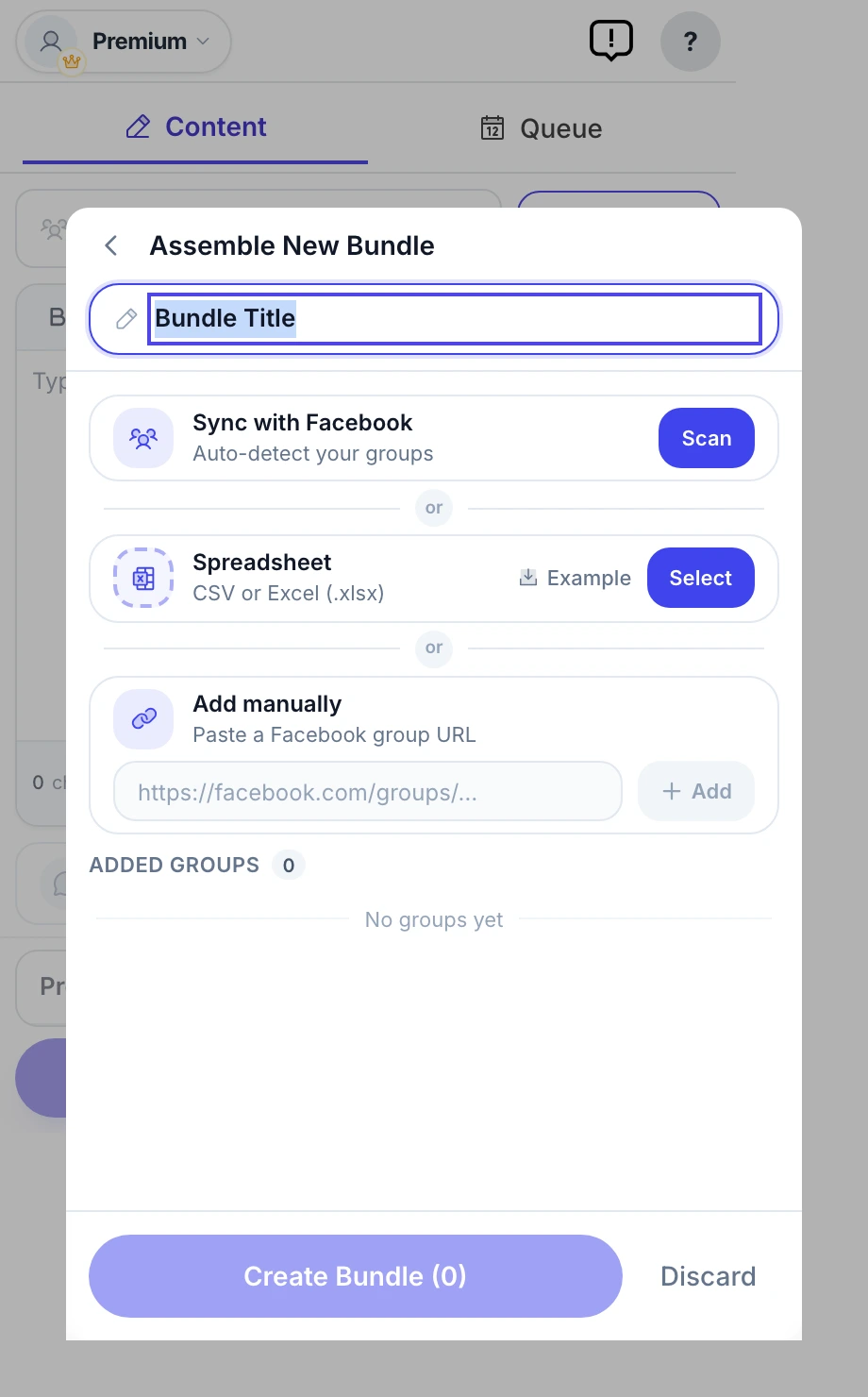
If your audience is in groups you joined, the work has to happen in your own logged-in browser. That is what MultiGroupPoster does: one post to a saved list of groups, different wording per group with Spintax, pauses between posts and a result for every group.
What Post Planner costs
Post Planner has a Free plan and six paid plans, each with a 7-day free trial. Billed monthly, Starter is $14, Growth $59, Business $99 and Agency $179; billed yearly they come to $9, $39, $69 and $119 a month. The two largest Agency plans cost $219 and $419 a month billed yearly. Prices were checked on its pricing page on 15 October 2026.
The Free plan is real but small: 1 social account, 1 user, 10 posts waiting in the queue at any time and 3 posts a day per profile. Starter raises that to 3 accounts, 150 queued posts and 12 posts a day; Growth to 15 accounts, 1,500 queued posts and 24 a day, and adds X, Pinterest and comment scheduling.
Post Planner at a glance
| Type | Cloud social media scheduler with content discovery |
|---|---|
| Networks | Facebook Pages, Instagram, Threads, Google Business, LinkedIn, Pinterest, TikTok, X, YouTube, Bluesky |
| Facebook groups | No: its Facebook page says apps lost group posting in April 2024 |
| Free plan | 1 account, 1 user, 10 queued posts, 3 posts a day per profile |
| Paid | Starter $14/month or $9/month billed yearly; Growth $59 or $39; Business $99 or $69; Agency $179 or $119 |
| Trial | 7 days on every paid plan |
Checked against the vendor's own site and Chrome Web Store listing on October 15, 2026.
MultiGroupPoster vs Post Planner: feature by feature
| Feature | MultiGroupPoster | Post Planner |
|---|---|---|
| Posts to Facebook groups you joined | Yes | No: its own site says apps lost this in April 2024 |
| Posts to Facebook Pages | Yes, a Page’s own feed | Yes |
| Other networks (X, LinkedIn, Instagram) | No | Yes, ten networks |
| Where it runs | Your own Chrome, Edge or Brave | Its cloud servers |
| Content discovery and recycling | No | Yes |
| Different wording per destination | Spintax with preview | Not listed |
| First comment | Yes | Growth plan and above |
| Free option | 6 posts, one-time, no card | Free plan: 1 account, 10 queued posts |
| Price | $9.99/mo or $69.99/yr | $14/mo, or $9/mo billed yearly |
Feature matrix last verified against Post Planner's public site on October 15, 2026.
Post Planner alternatives compared
Which tool replaces Post Planner depends on where you publish. For Pages and other networks, these are the closest alternatives; for Facebook groups, only one row applies.
| Tool | Free option | Paid from | Facebook groups |
|---|---|---|---|
| Post Planner | 1 account, 10 queued posts | $9/mo billed yearly, $14 monthly | No |
| Buffer | 3 channels, 10 queued posts each | $5 per channel/mo billed yearly | Phone reminder only |
| Publer | 3 accounts, 10 queued posts each | From about $5 per account/mo | Phone reminder only |
| Meta Business Suite | Free | No paid tier | Only groups linked to your Page |
| Hootsuite | 14-day trial | $99 per user/mo billed yearly | No |
| MultiGroupPoster | 6 posts, one-time, no card | $9.99/mo or $69.99/yr | Yes, groups you joined, from your browser |
Post Planner, Buffer and Hootsuite checked on 15 October 2026; Publer and Meta Business Suite on 3 October 2026. We make MultiGroupPoster.
Where each one wins
Where MultiGroupPoster wins
- Posts to the Facebook groups you joined, which Post Planner says it cannot do.
- Spintax and Image Sets give each group its own wording and photos.
- A result for every group after each run: posted, waiting for approval, or failed with the reason.
Where Post Planner wins
- Covers ten networks, where MultiGroupPoster covers Facebook only.
- Finds content for you and recycles evergreen posts, which MultiGroupPoster does not try to do.
- Runs in the cloud, so posts go out with your computer off; MultiGroupPoster needs Chrome open.
- A free plan that never expires, for one account.
Which should you pick?
Pick MultiGroupPoster if…
- Your audience is in Facebook groups you joined.
- You want one post to reach many groups with different wording in each.
Pick Post Planner if…
- You publish to a Facebook Page and other networks and want a queue that never runs dry.
- You need ideas for what to post as much as a place to schedule it.
Migrating across
- Keep Post Planner for your Page and other networks; nothing needs to move.
- Install MultiGroupPoster and sign in with Google; no Facebook password is involved.
- Let it scan the groups you belong to, or import a CSV or Excel list of group links.
- Run a small campaign to a few groups before sending to your full list.
Frequently asked questions
Can Post Planner post to Facebook groups I joined?
No. Post Planner publishes from its own servers through Meta's official API, and that API never covered groups you merely joined; Meta removed group publishing for third-party apps altogether in April 2024. Reaching those groups takes a browser extension that posts from your own logged-in session.
Can Post Planner post to Facebook groups?
No. Post Planner’s own Facebook page answers that Facebook stopped allowing apps to post to groups in April 2024. It still schedules to Facebook Pages you manage. To post to groups you joined, you need a browser extension that posts from your own session, such as MultiGroupPoster.
How much does Post Planner cost?
As of 15 October 2026: a Free plan for 1 account; Starter $14 a month or $9 a month billed yearly; Growth $59 or $39; Business $99 or $69; Agency $179 or $119; and larger Agency plans at $219 and $419 a month billed yearly. Every paid plan has a 7-day free trial.
Is Post Planner free?
It has a free plan: 1 social account, 1 user, 10 posts in the queue at a time, 3 posts a day per profile and 1 AI image a month. X and Pinterest need the Growth plan or higher. The paid plans start at $9 a month billed yearly.
What is the best Post Planner alternative for Facebook groups?
A browser extension, because no cloud scheduler can post to groups since Meta removed the Groups API on 22 April 2024. MultiGroupPoster posts one message to the groups you joined from your own Chrome, with Spintax, pauses and a result per group, for $9.99 a month after 6 free posts.
How hard is it to switch from Post Planner?
Keep Post Planner for your Page and other networks; nothing needs to move. Install MultiGroupPoster and sign in with Google; no Facebook password is involved. Let it scan the groups you belong to, or import a CSV or Excel list of group links. Run a small campaign to a few groups before sending to your full list.
Will either tool get my Facebook account restricted?
Neither tool changes what Facebook flags — pacing and content variation do. Randomized pauses of a few minutes after every few posts, 50–100 posts a day on an account older than twelve months, varied text per group and media attached is the safe range with any tool. Aggressive settings will flag an account regardless of which tool produced them.
Sources
Every competitor fact on this page was checked on October 15, 2026. Prices, ratings and features change, so confirm them with the vendor before you buy.