What is FewFeed V2?
FewFeed V2 is the name of the FewFeed web toolkit’s second generation: a set of Facebook tools (auto post to groups, auto join, auto comment, Page and carousel tools, UID extraction) that you use on its website after logging in with Facebook. The “V2” and “V3” sites list largely the same tools.
Most people used it for one thing: putting the same post into many groups at once, for free.
Is FewFeed V2 still working?
Its address changed rather than disappeared. On 26 September 2026 v2.fewfeed.com no longer resolved and fewfeed.com showed a parked-domain page, while fewfeed.net and fewfeed.org served pages titled “FewFeed V2” and fewfeed.app served “FewFeed V3”. None of them names who runs it.
We did not sign in to test the tools, so we cannot tell you whether the group poster publishes today. Its own index marks two paid tools “NOT WORK”.
Is there a FewFeed V2 extension to download?
Not an official one. FewFeed V2 runs on its website, and its pages link to no extension. “FewFeed V2 extension” files passed around as downloads come from whoever uploaded them.
Loading an unpacked extension in developer mode skips the Chrome Web Store review, and an extension on facebook.com can read everything you can. If you want an extension for group posting, install one from the Chrome Web Store under a named publisher.
FewFeed V2 at a glance
| Live V2 addresses | fewfeed.net, fewfeed.org |
|---|---|
| Old address | v2.fewfeed.com, which no longer resolves |
| Newer name | “FewFeed V3” at fewfeed.app |
| Type | Website; tools ask you to log in with Facebook |
| Official extension | None |
| Price | Free tools plus a paid “Basic+” tier |
Checked against the vendor's own site and Chrome Web Store listing on September 26, 2026.
MultiGroupPoster vs FewFeed V2: feature by feature
| Feature | MultiGroupPoster | FewFeed V2 |
|---|---|---|
| How it works | Chrome extension in your own session | Website you log in to with Facebook |
| Where to get it | Chrome Web Store (5.0 from 94 ratings) | fewfeed.net or fewfeed.org |
| Post to groups you joined | Yes | Yes |
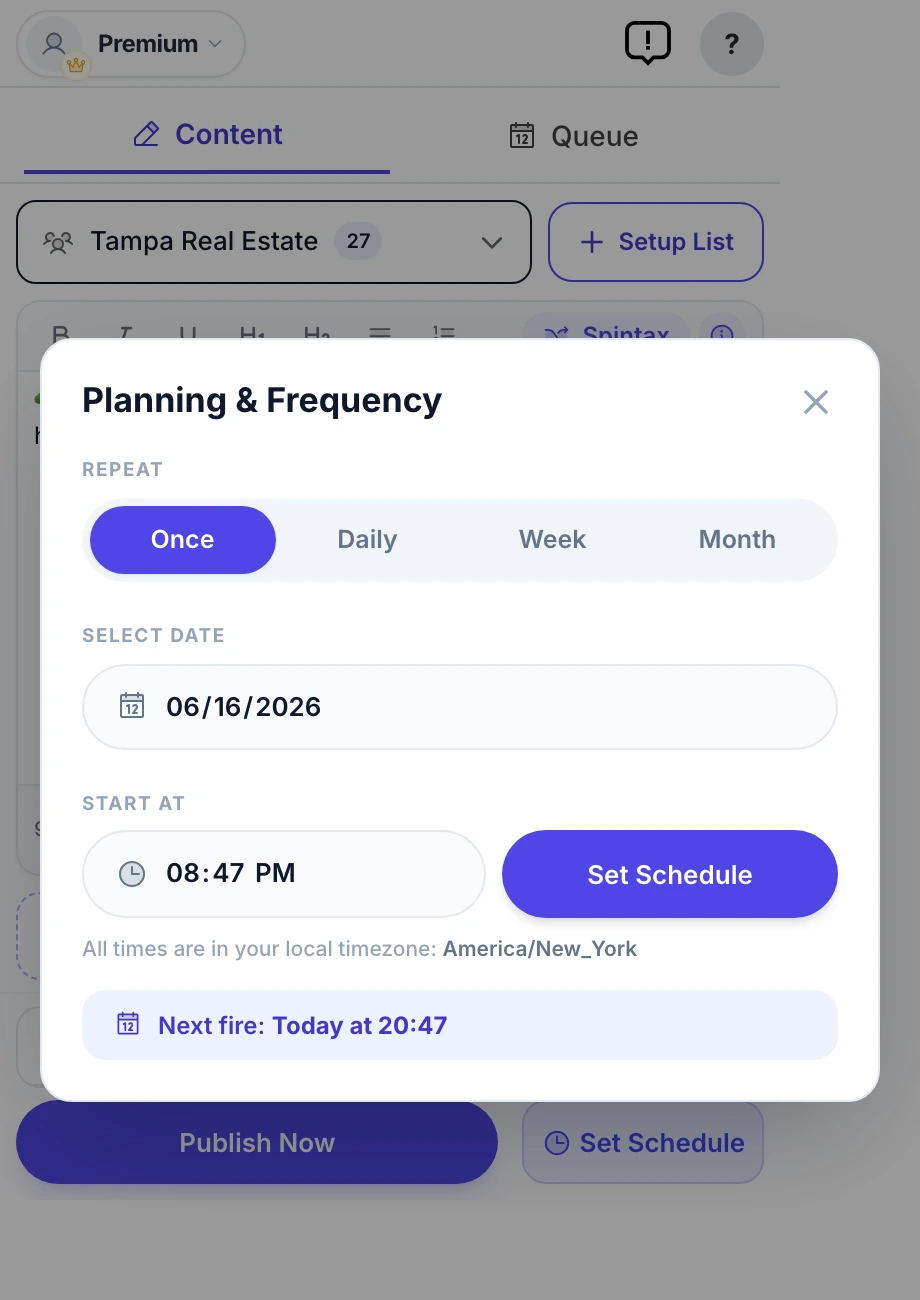
| Scheduling to groups | Once, daily, weekly, monthly | Not listed |
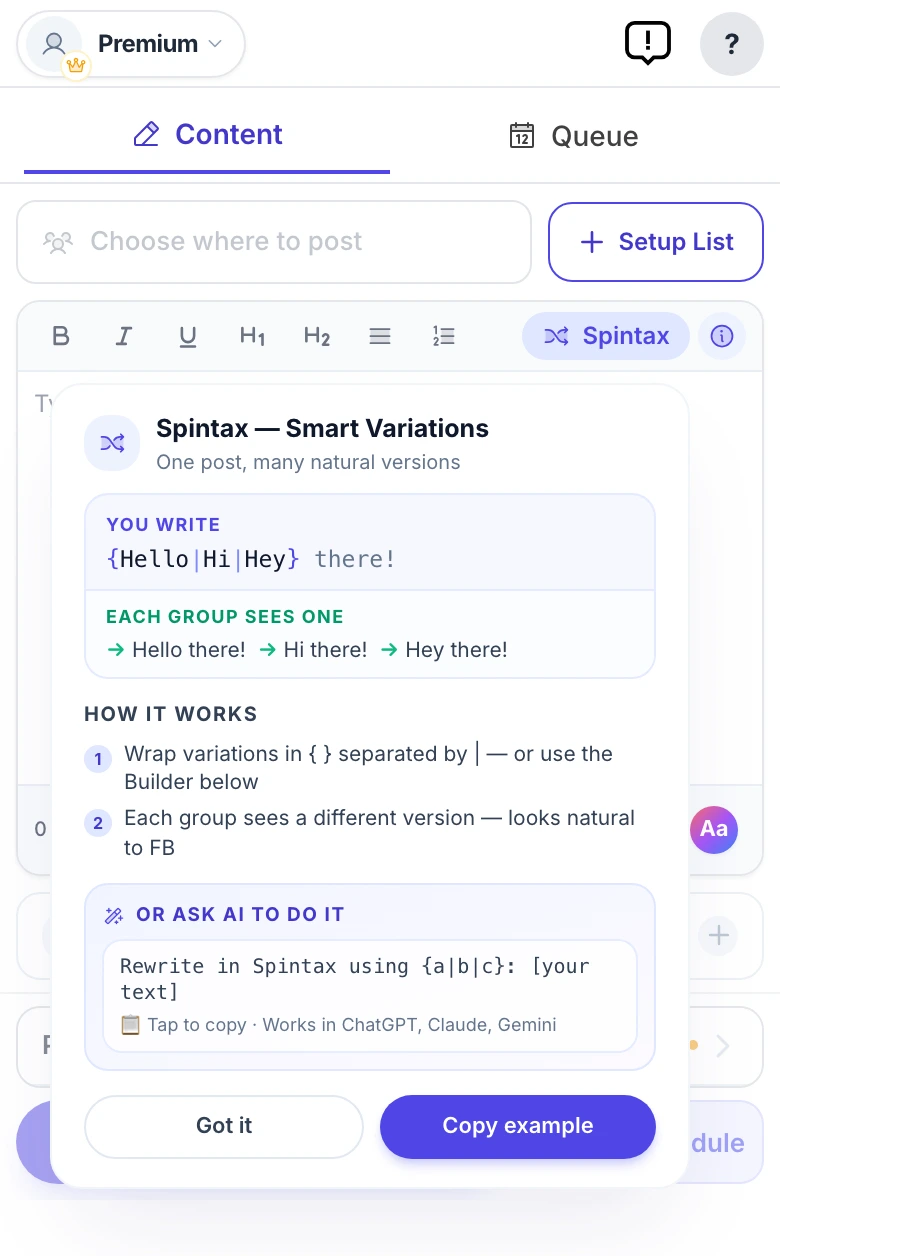
| Spintax and Image Sets | Yes | Not listed |
| Auto-join and member extraction | Not offered | Yes |
| Price | 6 free posts, then $9.99/mo | Free tools; paid “Basic+” tier |
Feature matrix last verified against FewFeed V2's public site on September 26, 2026.
Where each one wins
Where MultiGroupPoster wins
- Installed from the Chrome Web Store under a named publisher, rather than from a website or a shared zip file.
- Posts from your own Facebook tab, so your login never goes to another site.
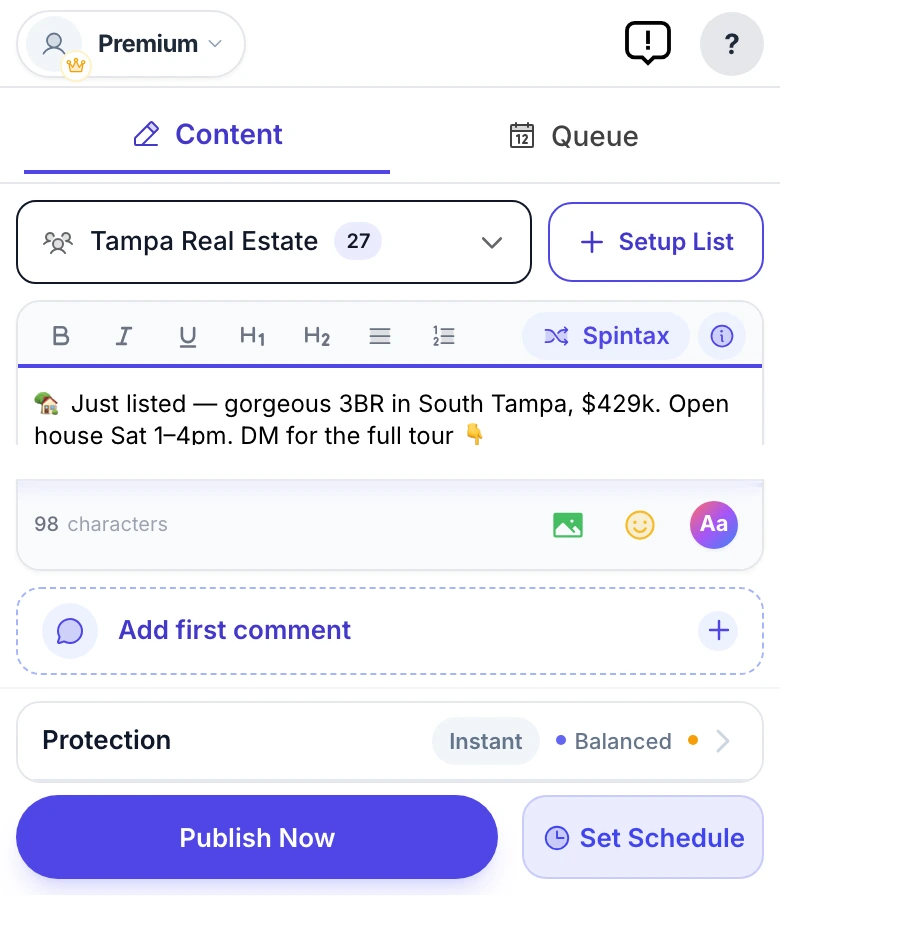
- Scheduling, Spintax, Image Sets and per-group results.
Where FewFeed V2 wins
- It is free, which nothing paid can match.
- Page, carousel and Reels tools beyond group posting.
Which should you pick?
Pick MultiGroupPoster if…
- You want the group-posting part of FewFeed V2 without depending on which domain it lives on this month.
- You want to schedule posts to groups you joined.
Pick FewFeed V2 if…
- You mainly used its Page, carousel or Reels tools.
Migrating across
- There is nothing to export: FewFeed V2 keeps no group list you can download.
- Install MultiGroupPoster from the Chrome Web Store and let it import your groups.
- Add Spintax before the first run so groups do not all receive identical text.
- Start with 10–20 posts a day for the first days on a new tool, then build up.
Frequently asked questions
Can FewFeed V2 post to Facebook groups I joined?
FewFeed V2 is a website, not a browser extension: its group tools ask you to log in with Facebook on its own site and act through that connection. That can reach groups you joined, but it means trusting a site whose operator is not named with access to your account. A browser extension posts from your own session instead.
Is FewFeed V2 closed?
Not entirely. The old v2.fewfeed.com address stopped resolving, but on 26 September 2026 pages titled “FewFeed V2” were online at fewfeed.net and fewfeed.org, and a “FewFeed V3” at fewfeed.app. Whether each tool still works is a separate question; we did not test them.
Where can I download the FewFeed V2 extension?
There is no official one: FewFeed V2 is a website. Files sold or shared as the “FewFeed V2 extension” are unofficial, and loading them in developer mode bypasses the Chrome Web Store review.
What replaced FewFeed V2?
Its own sites now also carry a “FewFeed V3” name at fewfeed.app. For the group-posting job, Chrome extensions such as MultiGroupPoster post from your own session and schedule to groups you joined.
Is FewFeed V2 free?
Its basic tools are free and a paid “Basic+” tier unlocks more; FewFeed publishes no price list. MultiGroupPoster gives 6 free posts, then costs $9.99 a month or $69.99 a year.
How hard is it to switch from FewFeed V2?
There is nothing to export: FewFeed V2 keeps no group list you can download. Install MultiGroupPoster from the Chrome Web Store and let it import your groups. Add Spintax before the first run so groups do not all receive identical text. Start with 10–20 posts a day for the first days on a new tool, then build up.
Will either tool get my Facebook account restricted?
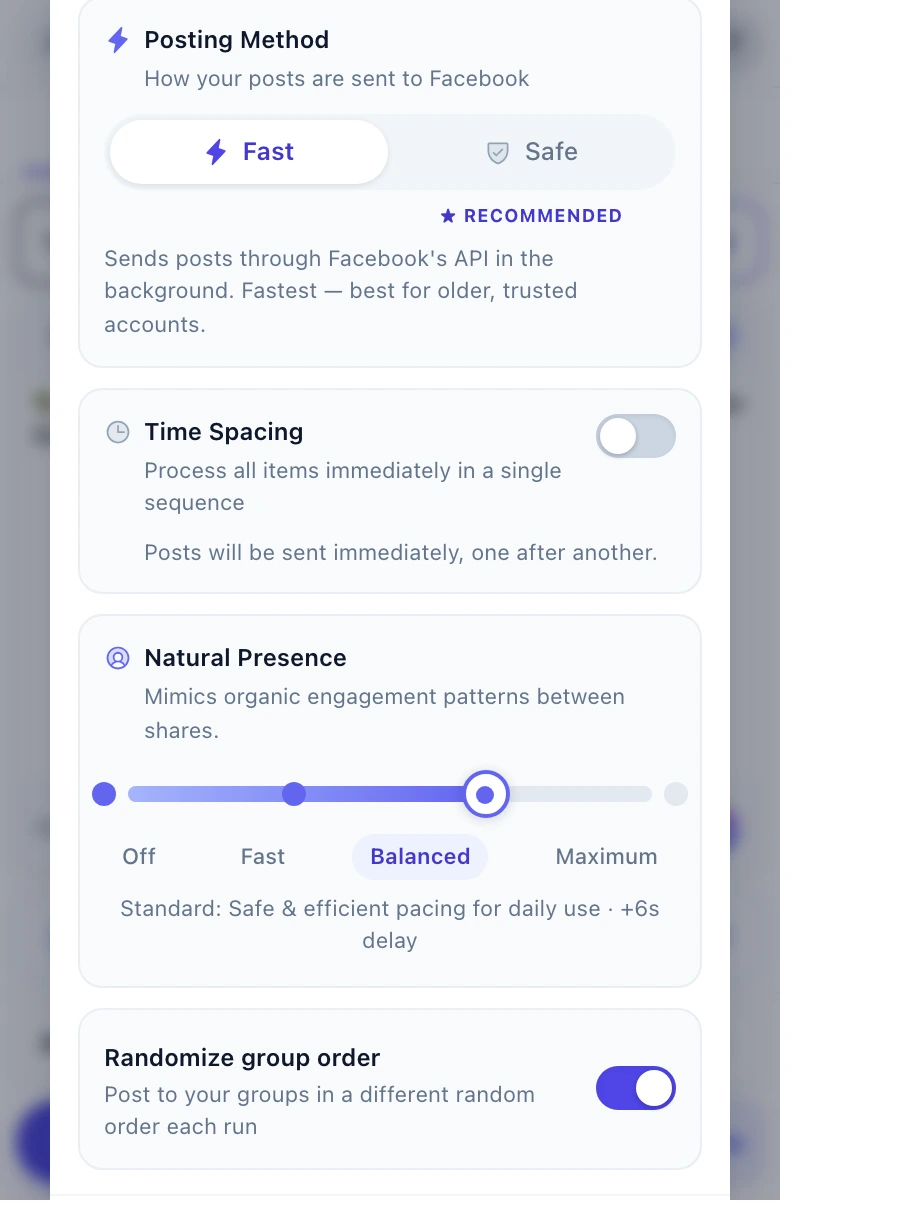
Neither tool changes what Facebook flags — pacing and content variation do. Randomized pauses of a few minutes after every few posts, 50–100 posts a day on an account older than twelve months, varied text per group and media attached is the safe range with any tool. Aggressive settings will flag an account regardless of which tool produced them.
Sources
Every competitor fact on this page was checked on September 26, 2026. Prices, ratings and features change, so confirm them with the vendor before you buy.
- fewfeed.app — “FewFeed V3” tool index
- fewfeed.net — “FewFeed V2” tool index
- fewfeed.org — “FewFeed V2”
- fewfeed.com — a parked-domain page (not linked)
- FewFeed AI 3.0 on the Chrome Web Store
- MultiGroupPoster on the Chrome Web Store