What is FewFeed V3?
On 26 September 2026 fewfeed.app and fewfeed.online served a page titled “FewFeed V3 | Powerful Social media tools”, with the same catalogue as the “V2” sites: group auto-post, auto-join and auto-comment tools, Page and carousel builders, UID extractors and post cloners, split into free tools and a paid “Basic+” tier.
The one section only V3 shows is “V3 TOOLS”, with a single tool: “Multi FB Groups Share Post”, which shares a post to many groups “with multiple accounts rotation”. Posting the same content from several accounts in turn is not something we would build or recommend.
FewFeed V3 vs “FewFeed AI 3.0”
Searches for FewFeed V3 also turn up “FewFeed AI 3.0”, a Chrome Web Store extension. It is not the fewfeed.app site: it is a Spanish-language Facebook group auto-poster with AI writing, published under alcanzia.co, version 1.0, with 377 users and a 3.0 rating from 2 ratings on 26 September 2026.
Neither the FewFeed sites nor that listing mentions the other.
Should you use FewFeed V3?
It depends on the tool. For Page posting, carousels or Reels uploads it is one of few free options, as long as you accept signing in with Facebook on a site whose operator is not named. For posting to groups you joined, a Chrome extension that runs in your own session does the same job without sharing your login, and adds scheduling and per-group results.
FewFeed V3 at a glance
| Addresses | fewfeed.app, fewfeed.online |
|---|---|
| Type | Website; tools ask you to log in with Facebook |
| V3-only tool | “Multi FB Groups Share Post”, with multiple-account rotation |
| Price | Free tools plus a paid “Basic+” tier; no public price list |
| Chrome extension | None from FewFeed; “FewFeed AI 3.0” is another publisher’s product |
| Operator | Not named on the site |
Checked against the vendor's own site and Chrome Web Store listing on September 26, 2026.
MultiGroupPoster vs FewFeed V3: feature by feature
| Feature | MultiGroupPoster | FewFeed V3 |
|---|---|---|
| How it works | Chrome extension in your own session | Website you log in to with Facebook |
| Post to groups you joined | Yes | Yes |
| Share a post to many groups | Yes, from your own account | Yes, with multiple-account rotation |
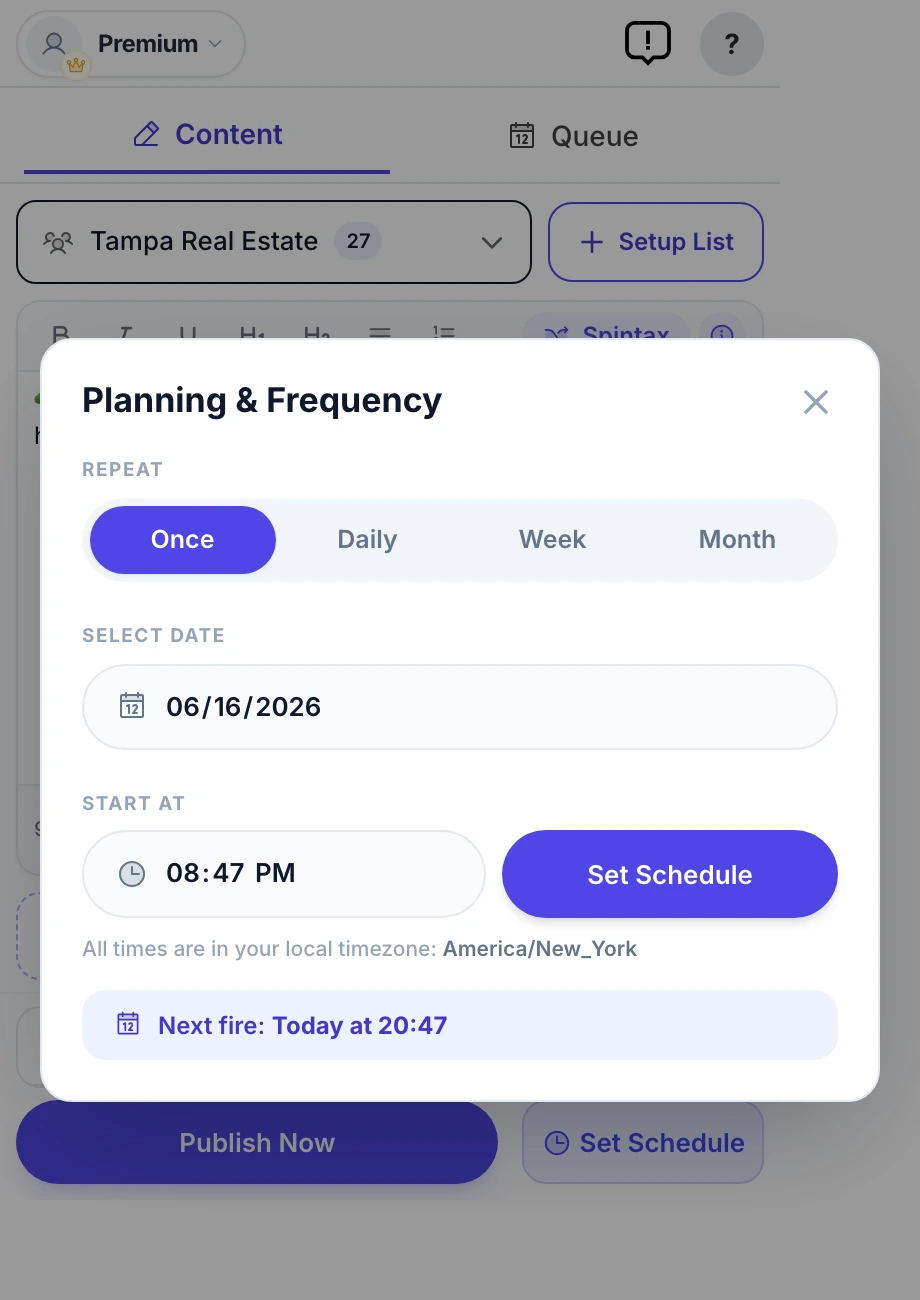
| Scheduling to groups | Once, daily, weekly, monthly | Not listed |
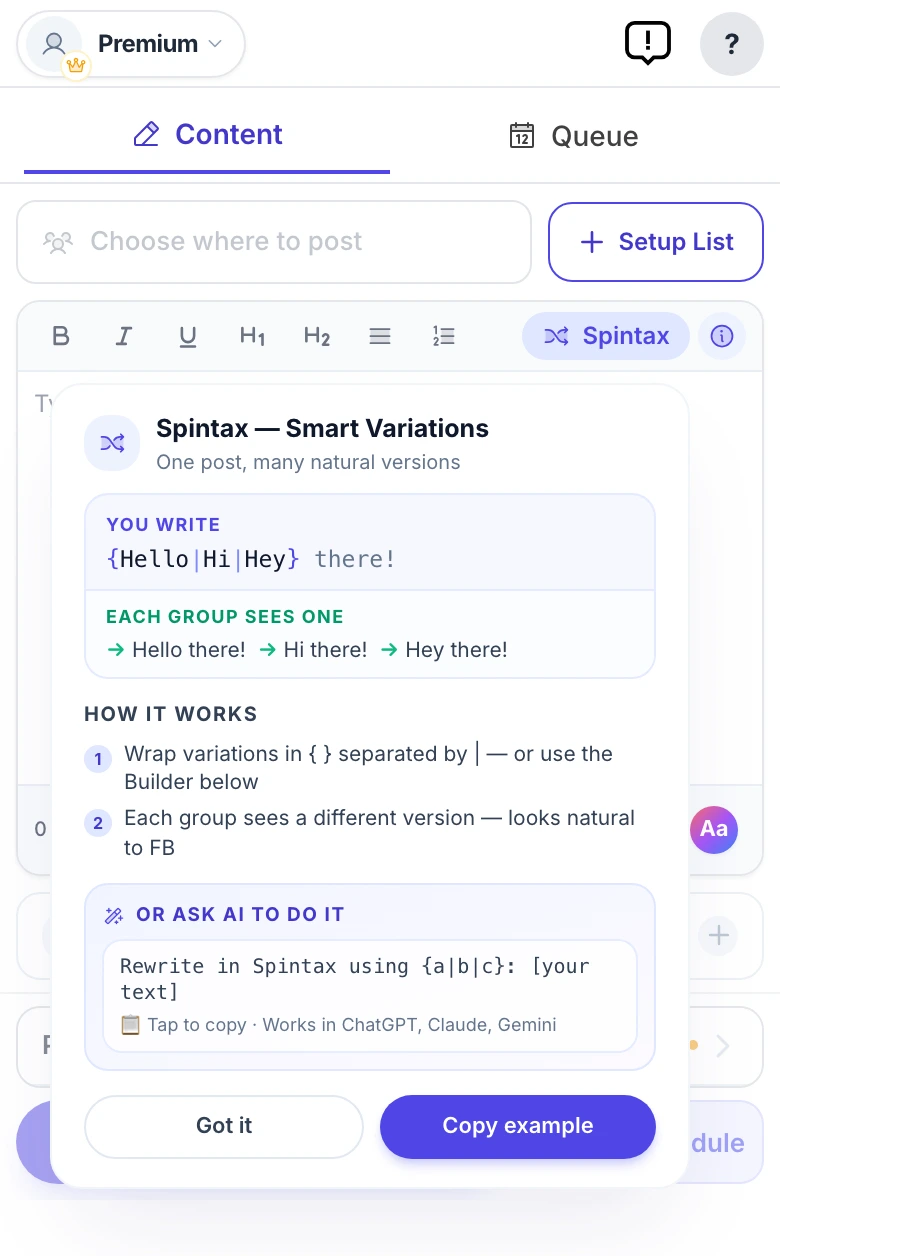
| Spintax and Image Sets | Yes | Not listed |
| Per-group results | Yes | Not listed |
| Price | 6 free posts, then $9.99/mo or $69.99/yr | Free tools; paid “Basic+” tier |
Feature matrix last verified against FewFeed V3's public site on September 26, 2026.
Where each one wins
Where MultiGroupPoster wins
- Your Facebook login never leaves your own browser.
- A named publisher, with a Chrome Web Store listing rated 5.0 from 94 ratings.
- Scheduling to groups you joined, with Spintax, Image Sets and per-group results.
Where FewFeed V3 wins
- Free to start, with a large catalogue of Page, carousel and Reels tools.
- Bulk tools for group admins, such as clearing pending or spam posts, that a posting extension does not have.
Which should you pick?
Pick MultiGroupPoster if…
- You need posting to groups you joined, on a schedule, from one account.
- You do not want to connect your Facebook account to a website you cannot identify.
Pick FewFeed V3 if…
- You manage groups or Pages and need its bulk admin, carousel or Reels tools.
Migrating across
- Install MultiGroupPoster from the Chrome Web Store.
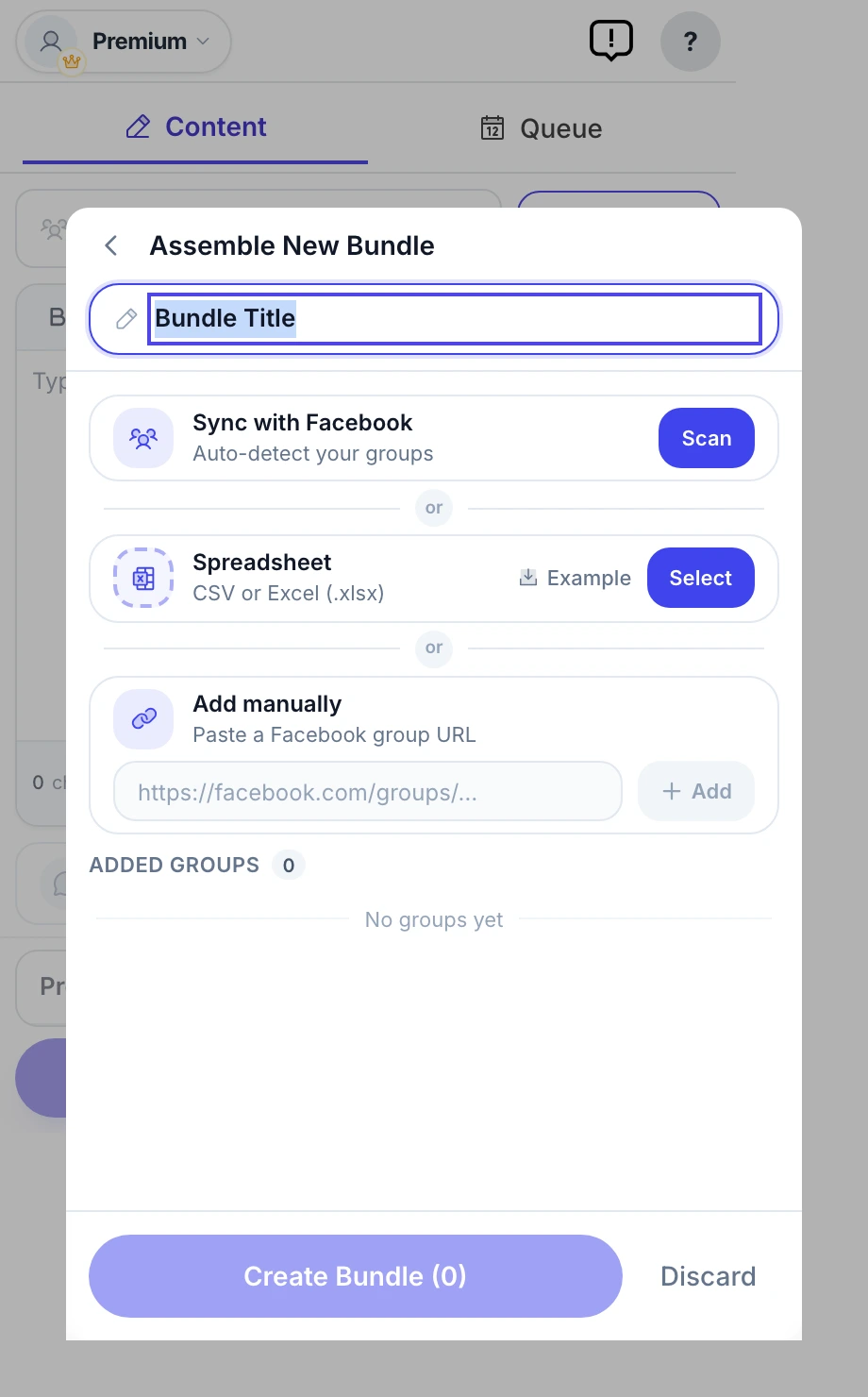
- Let it import your groups from your own memberships, then tag them into lists.
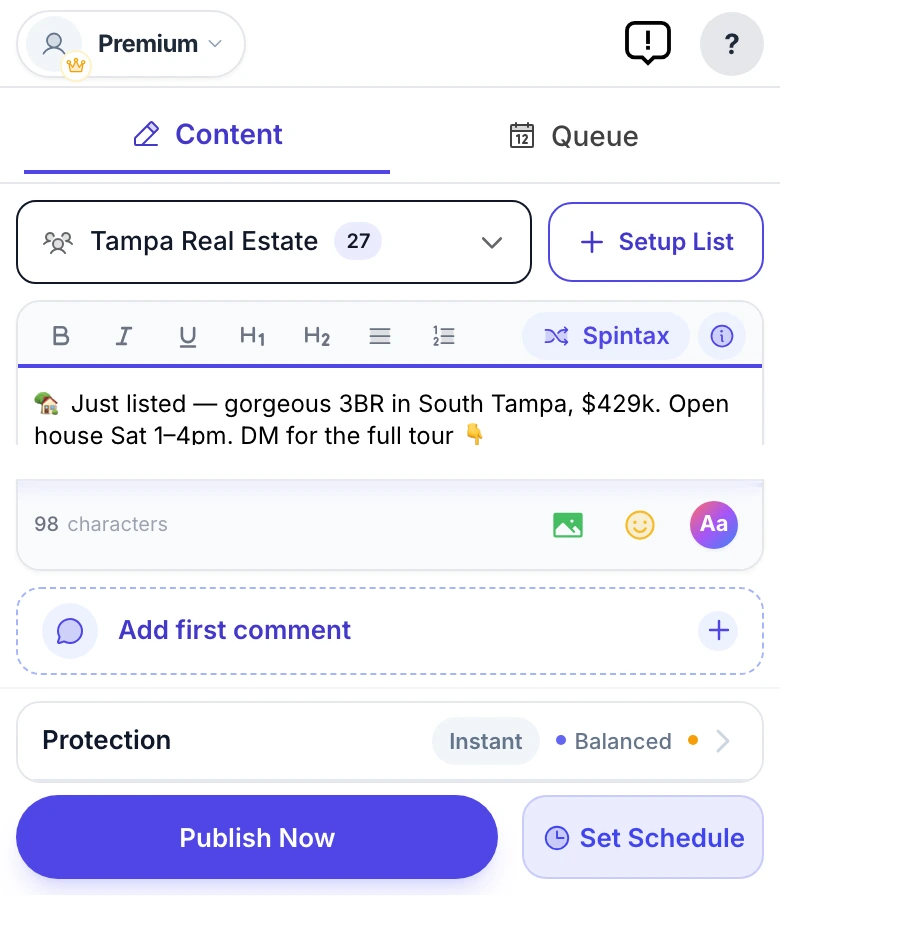
- Write one post with Spintax, pick a list, and schedule it.
- If you signed in to a FewFeed site, end that session under “Where you’re logged in” in Meta’s Accounts Center.
Frequently asked questions
Can FewFeed V3 post to Facebook groups I joined?
FewFeed V3 is a website, not a browser extension: its group tools ask you to log in with Facebook on its own site and act through that connection. That can reach groups you joined, but it means trusting a site whose operator is not named with access to your account. A browser extension posts from your own session instead.
Is FewFeed V3 the official FewFeed?
It is the newest name the FewFeed sites use, but fewfeed.app names no company or developer, so we cannot confirm who operates it. Its tool list matches the “V2” sites at fewfeed.net and fewfeed.org.
Is FewFeed V3 free?
Many of its tools are free; others sit in a paid “Basic+” tier, and no price list is published. MultiGroupPoster gives 6 free posts, then costs $9.99 a month or $69.99 a year.
Is FewFeed AI 3.0 the same as FewFeed V3?
No. FewFeed AI 3.0 is a Chrome Web Store extension published under alcanzia.co; FewFeed V3 is a website at fewfeed.app. They share a name and nothing else we could find.
Does FewFeed V3 work with groups I only joined?
Its group tools are built for that, working through the Facebook login you give the site. MultiGroupPoster also posts to groups you joined, from your own session instead.
How hard is it to switch from FewFeed V3?
Install MultiGroupPoster from the Chrome Web Store. Let it import your groups from your own memberships, then tag them into lists. Write one post with Spintax, pick a list, and schedule it. If you signed in to a FewFeed site, end that session under “Where you’re logged in” in Meta’s Accounts Center.
Will either tool get my Facebook account restricted?
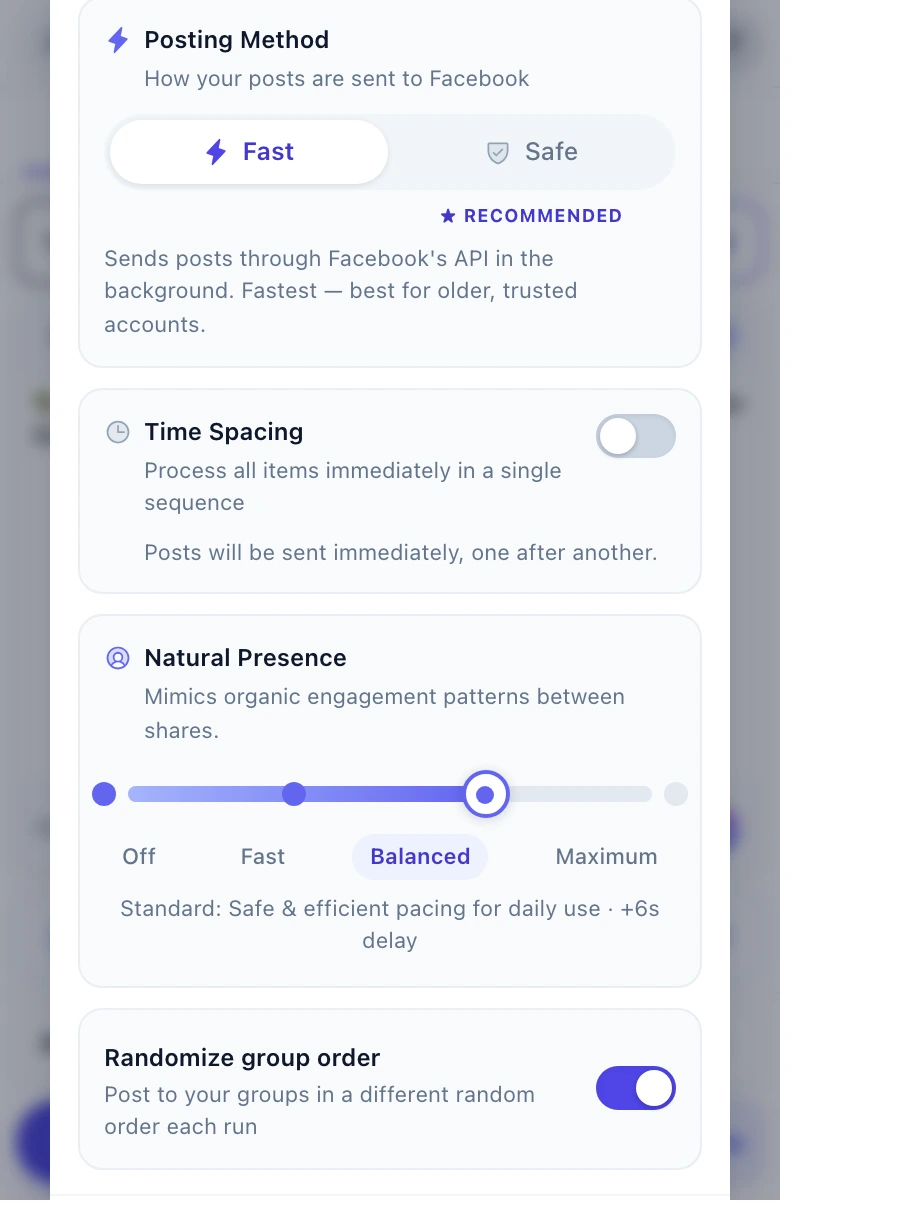
Neither tool changes what Facebook flags — pacing and content variation do. Randomized pauses of a few minutes after every few posts, 50–100 posts a day on an account older than twelve months, varied text per group and media attached is the safe range with any tool. Aggressive settings will flag an account regardless of which tool produced them.
Sources
Every competitor fact on this page was checked on September 26, 2026. Prices, ratings and features change, so confirm them with the vendor before you buy.