

What Share to groups does
It turns Facebook’s one-group-at-a-time Share into one action for your whole list. Everything happens from the post you are looking at:
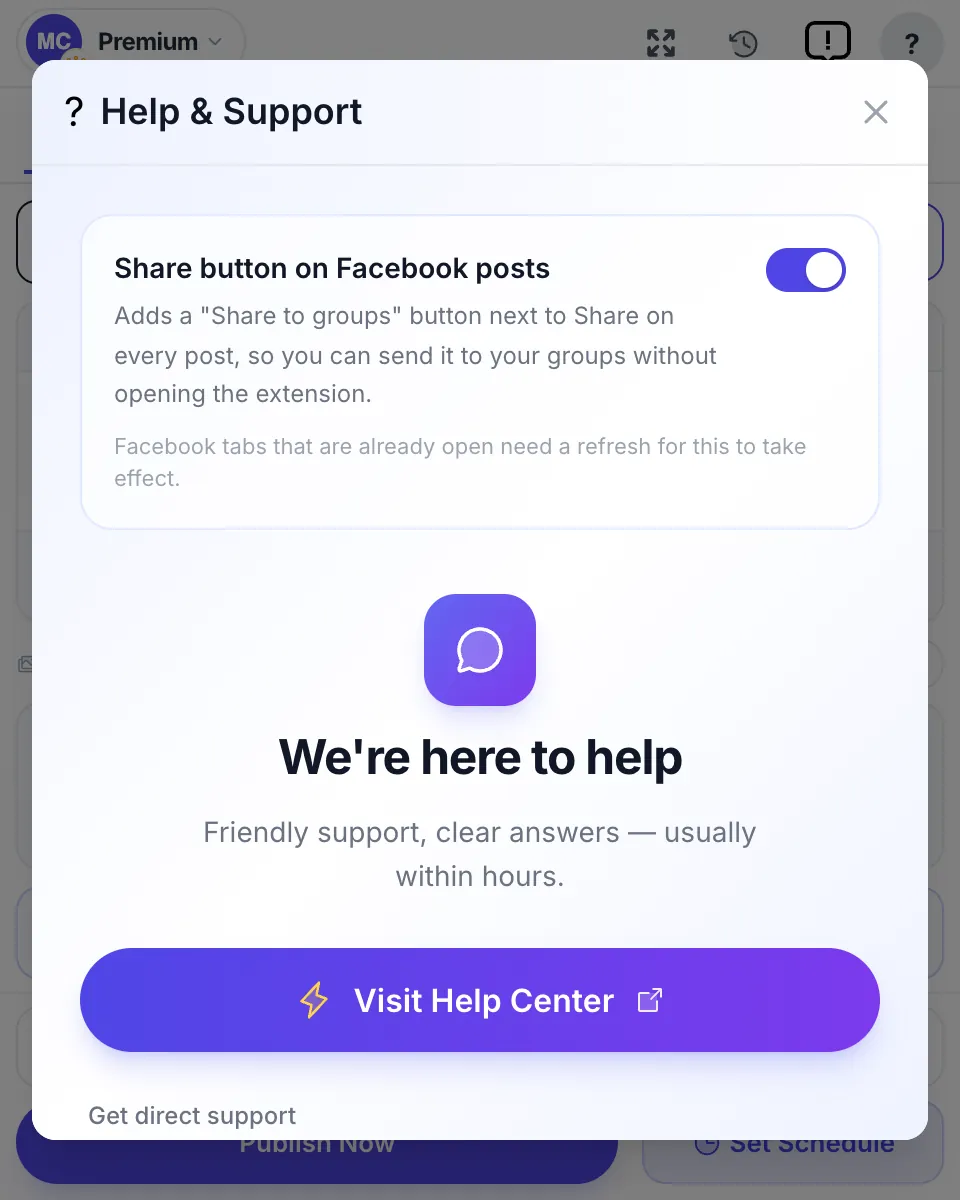
- Adds a “Share to groups” button next to Share under posts on Facebook: group posts, Page posts, your own posts, Reels and videos.
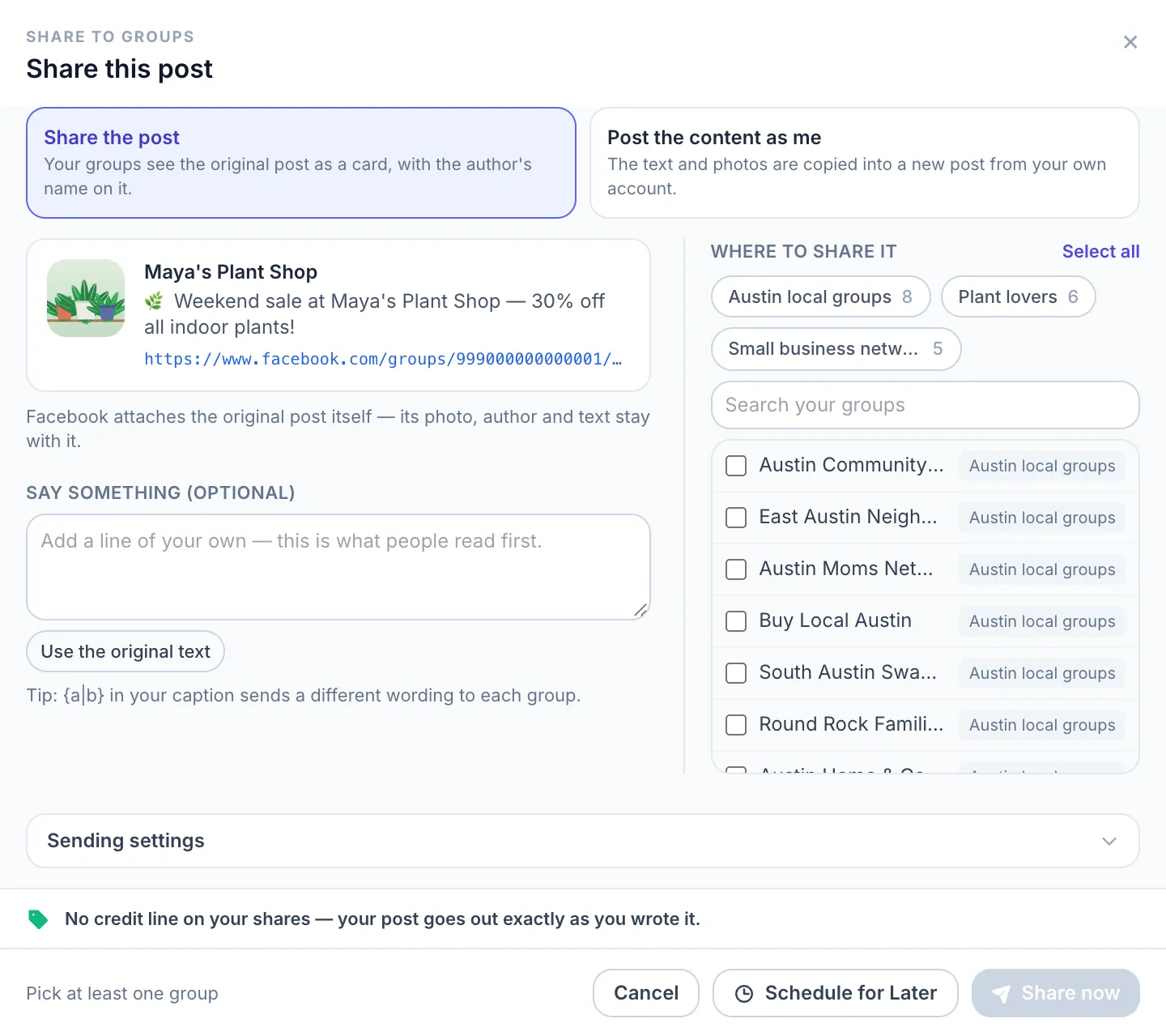
- Opens a sheet with the post’s preview, your saved group lists as one-click chips, a search box and Select all.
- Lets you add a caption that people read first, with Spintax for a different wording in each group, and an optional first comment.
- Sends the share to each group in turn, with the pause and safety level you chose, and shows the progress and results in the extension.
- Never shares anything on its own. Every share starts with your click on Share now or with a time you scheduled.
How to share a post to many groups in 4 steps
Install the extension and save your groups in a list first. The how-to-use guide shows the same steps with every screen.
| Step | What you do | What happens |
|---|---|---|
| 1 Open the post | Find the post, Reel or video on Facebook and click “Share to groups” next to Facebook’s Share. | The share sheet opens with a preview of the post. |
| 2 Choose how to share | Pick “Share the post” or “Post the content as me”. | Share the post keeps the original, author and video included. Post the content as me makes a new post from your account. |
| 3 Pick the groups | Click a list, or tick single groups. Add a caption and a first comment if you want. | The counter shows how many groups are selected. Sending settings holds the pause between groups and the safety level. |
| 4 Share or schedule | Click “Share now”, or “Schedule for Later” on Pro. | The post goes to each group with a pause between them. The extension shows which groups got it and which didn’t, with the reason. |
Watch it: sharing a post to all your groups
A 3-minute walkthrough on a real Facebook post: the button, the list, the pause between groups and Share now.

Who shares to groups
It suits anyone who already has the post and wants it in more places:
- Page owners. Publish once on your Page, then share that post into your groups so the likes and comments gather on one original. To post as the Page itself, see posting as your Facebook Page.
- Video creators. Share a Reel or video to your niche groups. Groups see Facebook’s own video card, not a bare link.
- Community managers and admins. Pass an announcement or an event from one group to the sister groups you run.
- Affiliates and promoters. Share a partner’s post with its author intact, which many groups prefer to a copied post. See Facebook groups for affiliate marketers.
Share to groups compared
What each way of sharing one post to many groups gives you, as of October 2026:
| Facebook’s Share button | Copy and paste | MultiGroupPoster | |
|---|---|---|---|
| Groups per action | One | One | Your whole list |
| Keeps the original author and video | Yes | No | Yes, with Share the post |
| Own caption per group | Typed each time | Typed each time | Once, varied with Spintax |
| Pause between groups | By hand | By hand | Automatic, you set it |
| Schedule for later | No | No | Yes, on Pro |
Not sure which mode to pick? Share or copy: what Facebook does with each compares the two, including what group admins see.
Limits
What to know before your first share:
- It works in Chrome on a computer, in your own logged-in Facebook. Phones and tablets don’t run Chrome extensions.
- It never shares on its own and doesn’t watch your Page for new posts. Each share is one you start or schedule.
- A video can’t be copied, so a post with a video is always shared as the original.
- The free plan has 6 shares, separate from the 6 free posts, and each group counts as one. Free shares carry the line “Shared with Multi Group Poster”. Pro removes the line and the limit.
- Group rules still decide. Some groups turn off shares or approve every post, and a share there may fail or wait for an admin.
More on sharing to groups
The full method, including what Facebook allows without any tool, is in how to share one Facebook post to multiple groups. If you want the post to stand as your own instead, posting to multiple Facebook groups covers writing it once in the extension.
For YouTube links, sharing YouTube videos in Facebook groups explains the format that groups accept. And if you were looking for a tool that shares new posts automatically, auto share Facebook posts explains what exists and what doesn’t.