What is Multiple Group Share Assistant?
Multiple Group Share Assistant, or MGSA, is listed on the Chrome Web Store as “Share Post to Multiple Facebook™ Groups”. It does one job: it takes a post that already exists and shares it into many groups. Its listing describes it as clicking “the clicks you’d click yourself” — Share, Groups, the group — with randomized delays in between.
Groups are saved as Group List Presets, which can be combined without sharing twice to the same group, and it writes AI variations of your caption. Version 19.2 was published on 24 September 2026, and its site recommends staying under 30 groups every two hours.
Sharing a post versus posting to groups
A share carries the original post, with its author’s name, under your caption. A new post is your own content. Some groups reject shares and accept only original posts, which is where a tool that only shares stops.
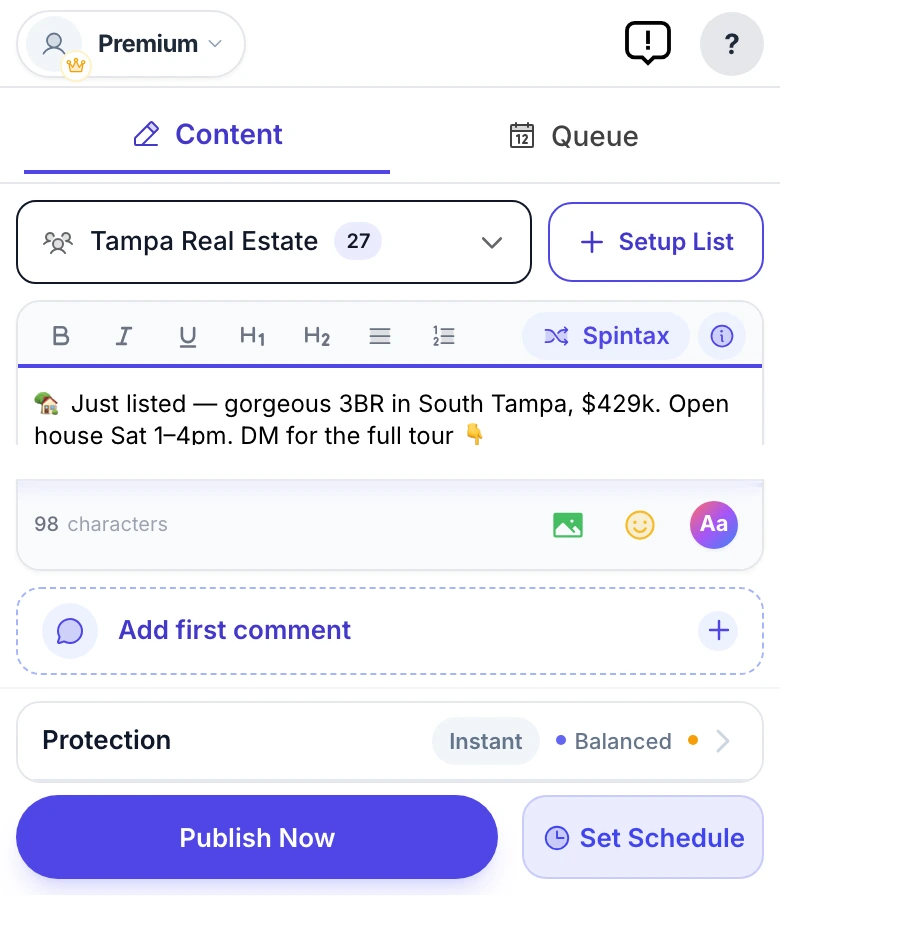
MultiGroupPoster does both. A Share to groups button under any post offers Share (the original post, attached) or Copy (its text and photos, published as your own post), and the main composer publishes new posts to your group lists. Share or Copy explains when each fits better.
Multiple Group Share Assistant at a glance
| Store name | Share Post to Multiple Facebook™ Groups | Multiple Group Share Assistant |
|---|---|
| Chrome Web Store | 4.4★ from 33 ratings · 1,000 users · version 19.2 (24 September 2026) |
| Free plan | Unlimited sharing, with a watermark on shares |
| Without the watermark | $14.99/month · $79 for 6 months · $129/year · $24.99 one-time option |
| Scheduling | Groups you own or admin only |
| Main job | Sharing existing posts to many groups |
Checked against the vendor's own site and Chrome Web Store listing on September 26, 2026.
MultiGroupPoster vs Multiple Group Share Assistant: feature by feature
| Feature | MultiGroupPoster | Multiple Group Share Assistant |
|---|---|---|
| Share an existing post to many groups | Yes (Share or Copy) | Yes, its core feature |
| Publish new posts to groups | Yes | Built around sharing existing posts |
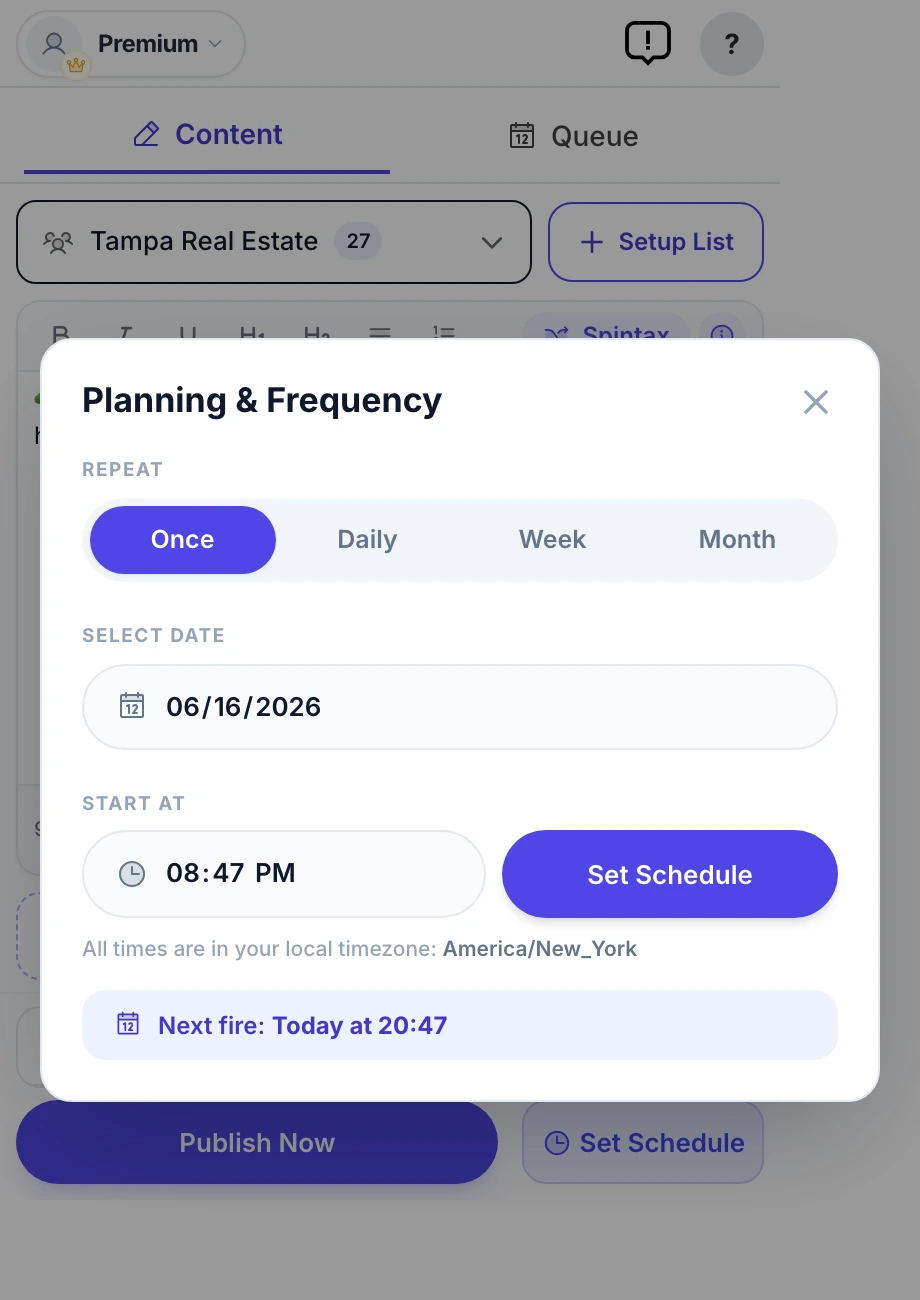
| Schedule to groups you joined | Once, daily, weekly, monthly | Only groups you own or admin |
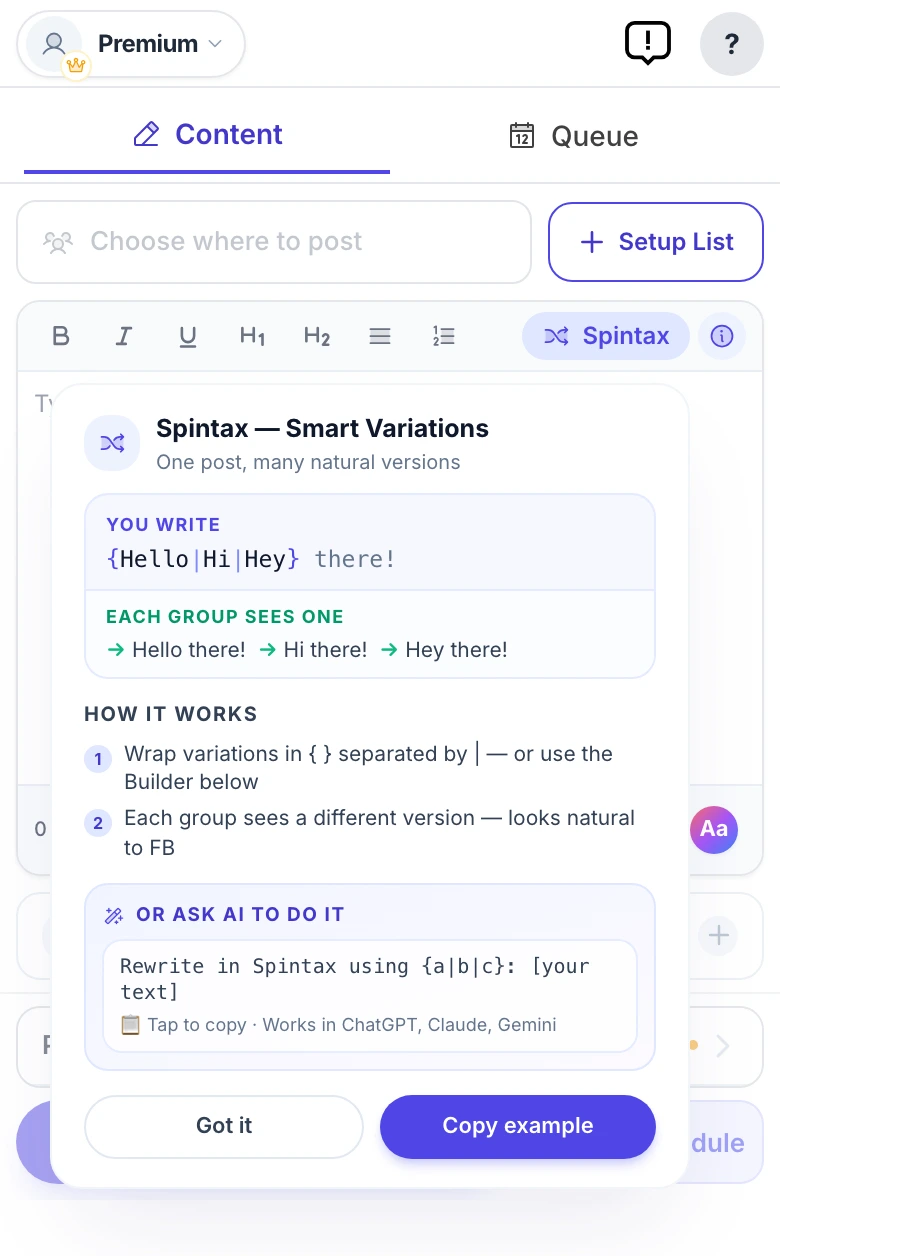
| Text variation | Spintax with preview | Free AI variations |
| Image variation | Image Sets | Not listed |
| Saved group lists | Tagged lists from your memberships | Group List Presets, combinable |
| First comment | Yes | Not listed |
| Watermark | None | On free shares |
| Price | 6 free posts, then $9.99/mo or $69.99/yr | Free with watermark; $14.99/mo or $129/yr without |
| Chrome Web Store rating | 5.0 from 94 ratings | 4.4 from 33 ratings |
| Users (Chrome Web Store) | 3,000 | 1,000 |
Feature matrix last verified against Multiple Group Share Assistant's public site on September 26, 2026.
Where each one wins
Where MultiGroupPoster wins
- New posts and shares from one tool, so groups that reject shares still get your content.
- Schedules to any group you joined, not only groups you run.
- A lower paid price: $9.99 a month or $69.99 a year, against $14.99 or $129.
- Image Sets and a first comment, and no watermark at any point.
Where Multiple Group Share Assistant wins
- Unlimited sharing on a free plan, if you accept the watermark. MultiGroupPoster’s free allowance is 6 posts, once.
- AI caption variations at no extra cost.
- Presets that combine lists and skip duplicate groups automatically.
Which should you pick?
Pick MultiGroupPoster if…
- Some of your groups want original posts rather than shares.
- You want to schedule to groups you joined but do not run.
- You would rather not add a watermark to what you share.
Pick Multiple Group Share Assistant if…
- You only ever reshare existing posts, and a watermark does not bother you.
- You want free AI rewrites of your captions.
Migrating across
- Install MultiGroupPoster; MGSA can stay installed while you compare.
- Your groups import from your own memberships; recreate your presets as tagged lists.
- To reshare, use the Share to groups button under any post and choose Share or Copy.
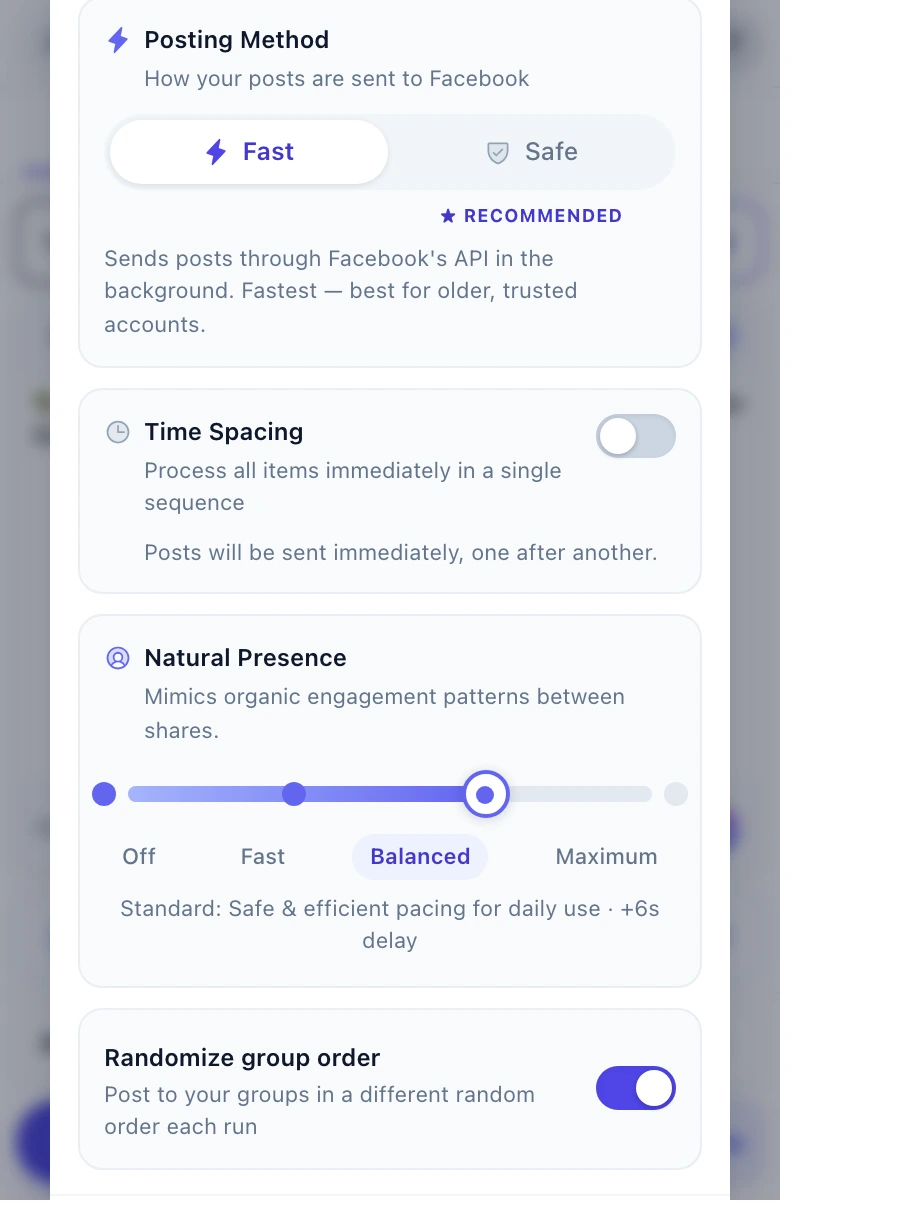
- Keep delays on and pace shares like posts: both count toward the same daily activity.
Frequently asked questions
Can Multiple Group Share Assistant post to Facebook groups I joined?
Yes. Multiple Group Share Assistant is a browser extension that posts from your own logged-in Facebook session, which is what reaches groups you joined. Cloud schedulers such as Buffer and Hootsuite cannot, because Meta removed the publish_to_groups permission in April 2024 — and it never covered groups you merely joined.
What is Multiple Group Share Assistant (MGSA)?
A Chrome extension, listed as “Share Post to Multiple Facebook™ Groups”, that shares an existing Facebook post to many groups by clicking through Facebook’s Share dialog for you, with randomized delays, saved group lists and AI caption variations.
Is MGSA free?
Yes, with a watermark on what you share. Removing it costs $14.99 a month, $79 for six months or $129 a year, and there is a $24.99 one-time option, according to mgsapro.com on 26 September 2026.
Can MGSA schedule posts to Facebook groups?
Only to groups you own or administer, according to its store listing and website. MultiGroupPoster schedules once, daily, weekly or monthly to any group you joined.
Can MultiGroupPoster share an existing post like MGSA?
Yes. A Share to groups button appears under posts on facebook.com: choose Share to attach the original or Copy to publish its text and photos as your own post, pick a list, then send now or schedule it.
How hard is it to switch from Multiple Group Share Assistant?
Install MultiGroupPoster; MGSA can stay installed while you compare. Your groups import from your own memberships; recreate your presets as tagged lists. To reshare, use the Share to groups button under any post and choose Share or Copy. Keep delays on and pace shares like posts: both count toward the same daily activity.
Will either tool get my Facebook account restricted?
Neither tool changes what Facebook flags — pacing and content variation do. Randomized pauses of a few minutes after every few posts, 50–100 posts a day on an account older than twelve months, varied text per group and media attached is the safe range with any tool. Aggressive settings will flag an account regardless of which tool produced them.
Sources
Every competitor fact on this page was checked on September 26, 2026. Prices, ratings and features change, so confirm them with the vendor before you buy.