

Which Facebook groups sell products: two types
Two kinds of Facebook groups sell products, and they work in opposite ways. In buy-and-sell groups, members joined to buy, and a listing with a photo, a price and a pickup area is exactly what they came for. In niche enthusiast groups, members joined to talk about a hobby, and a hard sell gets removed. Each needs different posts, cadence and tone. Conflating them is the #1 mistake new sellers make.

Mode 1: Buy/sell groups. City-specific marketplace-style groups (“Tampa Buy/Sell/Trade”, “Austin Mom Resale”). Members joined to buy or sell things. Direct selling is welcome and expected. Lead with the photo and price.
Mode 2: Niche enthusiast communities. Product-category groups (“Mountain Biking Enthusiasts”, “Knitting Pattern Trades”, “Vinyl Collectors Worldwide”). Members joined for community + content. Direct selling is unwelcome — get banned fast. Lead with value, mention your product after building presence.
A seller selling vintage records would post very differently in:
- “Tampa Buy/Sell” (lead with photo + $35 price + pickup location)
- “Vinyl Collectors Worldwide” (lead with “found this rare 1971 pressing — story” and mention shipping availability in the comments only after engagement)
Get the mode wrong and you either underperform or get banned. Both modes work; they just require different content.
How to find Facebook selling groups
You don’t need a directory of “best selling groups”: the right ones depend on where you can deliver and what you sell. Five searches cover it:
- City + selling term. In the Facebook search bar, type your city or area plus “buy and sell”, “for sale”, “marketplace”, “swap” or “yard sale” (for example, “Tampa buy and sell”), then switch the results to Groups.
- Category + selling term. “Furniture for sale”, “kids clothes swap”, “vinyl records buy sell”. Category groups often cover a whole region, and some allow shipping.
- Suggested groups. Join a few relevant ones and Facebook starts suggesting similar groups on the Groups tab.
- Hobby groups for your product. Search the hobby itself plus “group”, “club” or “community” to find the niche groups described in Mode 2 below.
- Check before you join. Open the group’s About section: were there posts this week, is selling allowed, is there a limit on listings (one a day, one a week), and do the members live where you can deliver?
To join, click Join group, answer the membership questions (many buy-and-sell groups ask where you live) and agree to the rules. Approval can take minutes or days. Join a handful a day rather than dozens at once: Facebook caps a profile at 6,000 groups, but joining too fast triggers a temporary block long before that.
Prefer to run your own selling group? How to create a Facebook group walks through the setup; give it clear rules on what can be listed and how often.
Mode 1: Buy/sell groups
The economics: city-specific buy/sell groups in 2026 still have huge active membership (often 10K-50K), better engagement than Facebook Marketplace itself for many product categories, and zero referral fees.
Group selection:
- “[City] Buy/Sell/Trade” — generic marketplace
- “[City] Mom Resale” — kids’ gear, household goods
- “[City] Furniture Buy/Sell” — large items
- “[City] Estate Sales” — vintage, antiques
- “[City] Tech Buy/Sell” — electronics, gaming
- “[Suburb] Yard Sale” — hyperlocal
50-150 across your service area is the typical target.
Post format for buy/sell:
[$Price] [Item title] - [Pickup city]

[1-2 photos in description, additional in comments]

Brand-new in box / Gently used / [condition].
DM if interested. Pickup at [neighborhood].

#fbforsale
The first line is critical — it’s all members see in their feed. Price + item + location in 60-80 chars decides whether they tap “See more.”
Photos: 3-5 photos per listing. First photo is the product hero shot (well-lit, clean background). Subsequent photos: angles, condition details, scale reference.
Posting strategy:
- One listing per group per week max (admins remove repeat posts).
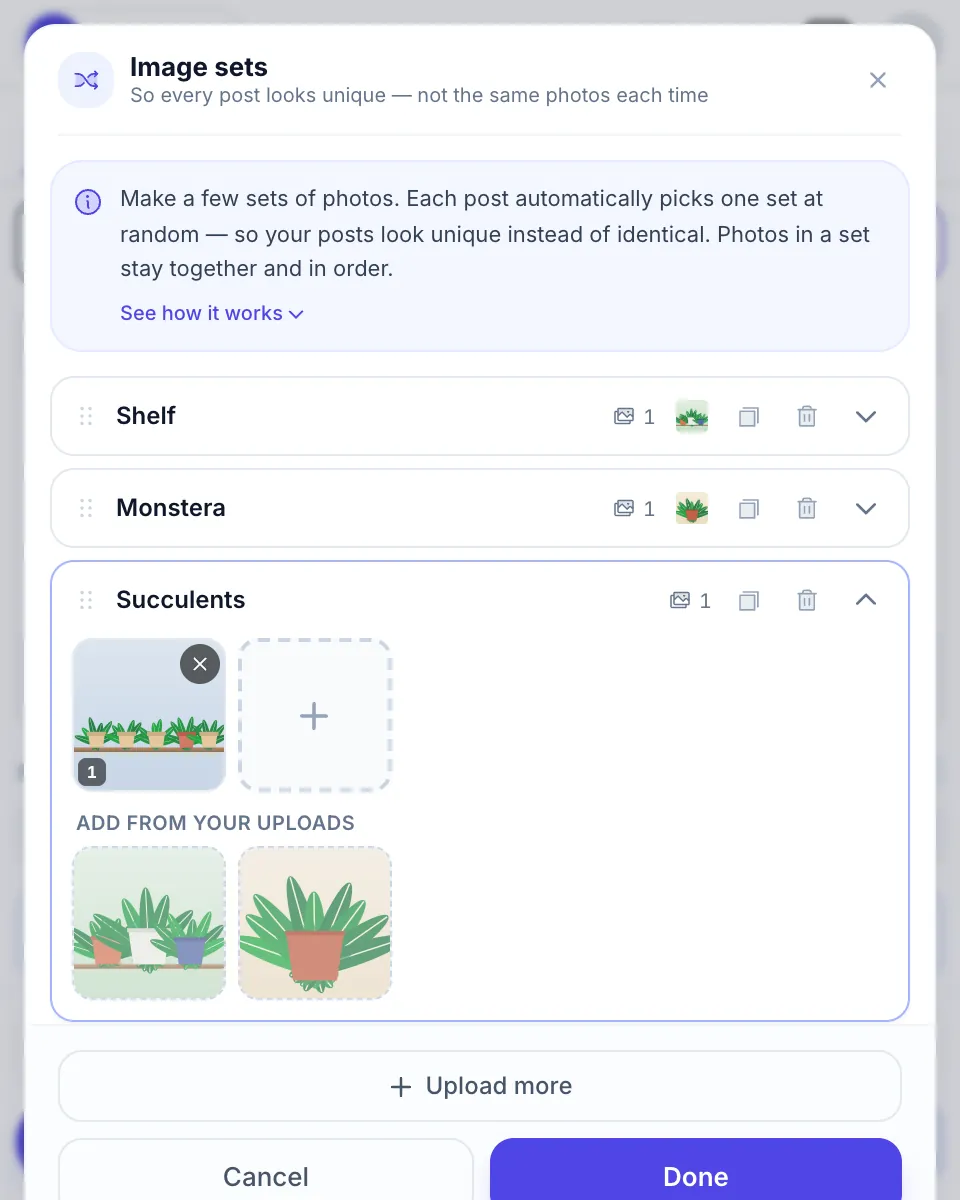
- Post the same listing across many groups in one run, with Spintax so each group gets different wording.
- Refresh listings: re-post unsold inventory after 7 days with a tiny price drop (“$30 down from $35”).
Some of these groups take only listings, not regular posts. To get one listing into up to 20 of them at once, see how to post in multiple buy and sell groups. To send that listing and your regular post in the same run, use the buy & sell group poster.
Mode 2: Niche enthusiast communities
Niche groups are higher-trust, lower-volume, longer-game. Members joined for content, not commerce. Spam these and you’ll get banned within a week.
The 80/20 rule: post 80% value content (educational, community-contributing) and 20% promotional. The 20% promotional posts work only because the 80% built trust.
Examples:
- “Mountain Biking Enthusiasts” → 80% trail recommendations, gear comparisons, ride photos. 20% “I’m selling my Yeti SB130 if anyone’s interested — DMs open.”
- “Vinyl Collectors Worldwide” → 80% rare-find shares, listening recommendations, pressing-quality discussions. 20% “Listed my last copy of [rare album] for sale this week.”
- “Sourdough Bakers” → 80% recipes, technique tips, troubleshooting. 20% “I make custom sourdough starters and ship them — link in profile.”
Cadence: 2-4 posts per week, mostly value, with occasional sale/promotion posts.
Why this works: members of niche groups are vastly higher-LTV per buyer because they’re already deep in the category. A vinyl collector who buys from your group is worth $500-2,000/year in repeat purchases vs. $25-50 from a generic buy/sell sale.
Post format that converts
For buy/sell mode (direct):
- Hook: price + item + location (first 80 chars)
- Body: condition, story (1-2 sentences max), pickup info
- Photos: 3-5
- CTA: “DM if interested” or “First to commit gets it”
- Hashtag: #fbforsale or city-specific resale tag
For niche mode (value-led):
- Hook: a specific, useful insight or resource
- Body: 100-300 words of substance
- Photos: relevant, high-quality (or none)
- CTA (occasional, not every post): soft mention of your product/service in the last sentence
For both modes, the rules from Anatomy of a Facebook group post apply:
- First 80 characters carry the post in feed
- External links go in the first comment (~30% reach gain)
- Native video > external video link (10× more reach)
Cadence and rotation
Buy/sell groups (Mode 1):
- Active inventory: post each item to all relevant groups once per week.
- 7-day refresh cycle: unsold items get re-posted with minor variation (price drop, photo angle, time of day).
- Total volume: 50-100 group posts per day at peak inventory periods (e.g., new shipment arriving).
Niche groups (Mode 2):
- Value posts: 2-4/week per group.
- Promotional posts: 1/month per group max.
- Don’t rotate — be consistently present in the same handful of niche communities.
Time of day:
- Buy/sell: 11 AM - 1 PM (lunch browsing) and 7-9 PM (evening browsing).
- Niche: depends on group’s peak engagement time. Check Group Insights or post and observe.
To hit those windows without posting by hand, set the run in a Facebook group post scheduler and leave Chrome open.
Multi-group automation
For buy/sell mode at scale (50+ groups per item across multiple items), automation is essential. Manual posting is uneconomic past the first few items.
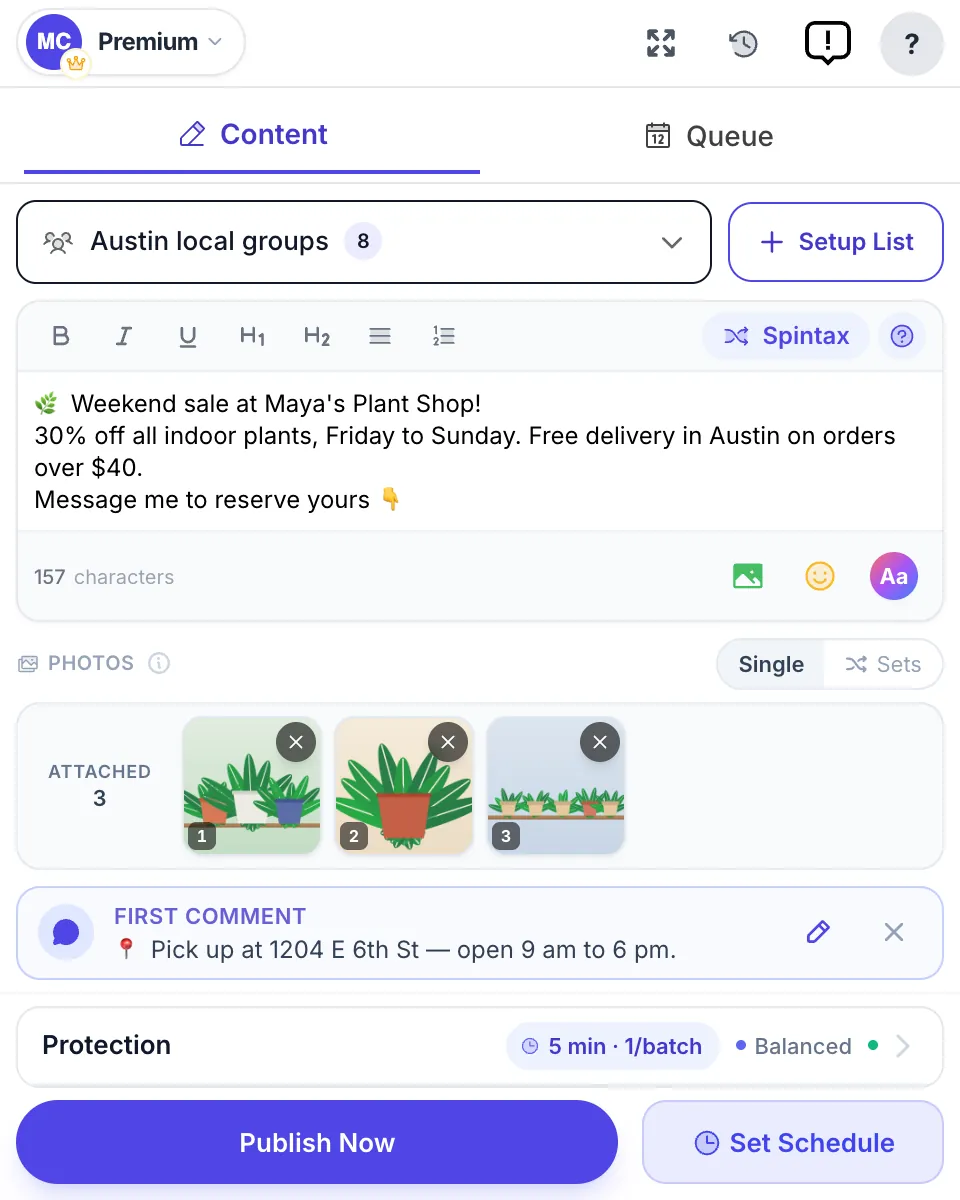
Setup, one-time (~10 min):
- Install MultiGroupPoster.
- Auto-import group memberships.
- Tag groups by category: “Tampa Buy/Sell”, “Tampa Furniture”, “Tampa Tech Resale”, etc.
- Build per-category Spintax templates:
${{price}} {Brand-new|Like-new|Gently-used} {item description} - {pickup location}.

{First photo|Multiple photos} below.

{DM if interested|First commit gets it|Reply YES to claim}.

#fbforsale
For each new listing: paste price/item/photos, pick the relevant tagged list, click post. ~45 seconds of attention; the campaign then runs in the background for a few hours.
For niche mode: automation is rarely needed (few groups + low cadence + value-led content that varies per post). Manual posting is fine.
Tracking sales attribution
For e-commerce, attribution per channel determines where to invest. Per-group attribution from Facebook is harder than per-ad attribution but doable:
Attribution techniques:
-
Unique discount code per group cohort. “Use FBTAMPA10 for 10% off” — track which groups produce which sales.
-
Different DM trigger phrases. “Comment ‘BIKE’ if interested” — your inbox tags by phrase.
-
Per-group Spintax variants of the URL. Use UTM parameters:
?utm_source=fb_groups&utm_campaign=tampa_buysellfor one set,?utm_campaign=tampa_furniturefor another. -
Post success/failure list in the extension. MultiGroupPoster shows you which posts published and which groups dropped them — combine that with the sales attribution above to find your winning cohorts.
After 60-90 days, you’ll see which groups consistently produce sales. Drop the bottom 30%, double down on the top 30%.
Pitfalls
-
Posting Mode 1 content (direct sale) into Mode 2 (niche) groups. Bans within hours. Always read group rules before posting.
-
Identical text in 30+ buy/sell groups within an hour. Spam filter triggers, posts silently dropped. Use Spintax.
-
Misleading product photos. Members in buy/sell groups are sophisticated — over-edited or stolen photos get called out publicly. Real photos always.
-
Ghosting buyers in DMs. Buy/sell groups have unwritten norms: respond to DMs within a few hours. Ghosting tarnishes your reputation across the group.
-
Selling in groups where it’s banned. Some “interest” groups (e.g., parenting groups) explicitly prohibit selling. Skip them.
-
Stacking too many niche groups for direct sale. If you’re in 50 niche groups and posting promo to all of them, you’re not building community in any of them. Pick 5-10 niche groups, contribute meaningfully, sell occasionally.
For bans/restrictions: Bulk posting safety playbook.
Two narrower versions of this playbook: Facebook groups for Etsy sellers for handmade and vintage shops, and Facebook groups for dropshippers for stores that don’t hold their own stock.
FAQ
What are the best Facebook groups for selling products?
Local buy-and-sell groups in the area you can deliver to, plus a few niche groups in your product category. There is no single best group: the right ones had posts this week, allow selling in their rules and are full of people who buy what you sell. For most sellers that means 30–60 local buy-and-sell groups and 5–10 niche ones.
How do I find buy and sell groups on Facebook?
Search Facebook for your city or area plus “buy and sell”, “for sale”, “marketplace” or “swap”, then switch the results to Groups. Search by product category too, such as “furniture for sale” or “kids clothes swap”. Once you join a few, Facebook suggests similar groups on the Groups tab.
Can I sell in any Facebook group?
No. Many groups ban selling outright or allow it only on a promo day or in one weekly thread, and admins remove listings that break the rules. Read the About section and the pinned rules before your first post. Buy-and-sell groups expect listings; most hobby and community groups do not.
Is selling in Facebook groups worth it for e-commerce?
For physical-goods sellers in city-specific buy/sell mode: yes, often dramatically better economics than Facebook ads (free distribution within group memberships). For DTC online brands: niche communities are valuable for brand-building but not direct sales — ads are usually better for direct conversion.
How does Facebook group selling compare to Marketplace?
Buy/sell groups often outperform Marketplace for many categories — better engagement, more local trust, no platform fees. Marketplace has more reach but more competition and lower trust on average. Many sellers use both.
Can I post products to many groups at once?
Yes, with a Chrome extension like MultiGroupPoster, which posts from your own browser session to the groups you are a member of. Cloud tools cannot post to Facebook groups since April 2024. Use Spintax so each group gets different wording, keep the pauses between posts, and start with fewer groups: no tool removes the risk.
Will I get banned for selling in Facebook groups?
Risk drivers: posting in no-promo groups, identical text across many groups within minutes, posting as a spammy account (no profile photo, brand-new, no posts elsewhere). Risk avoiders: read group rules, use Spintax, post from an established account, respect group culture.
How fast should I respond to inbound buyer messages?
Within 1-3 hours during business hours. Within 12-24 hours overnight is acceptable. Faster than 1 hour: highest conversion to sale. Slower than 24 hours: most casual buyers move on.
Selling a physical product is one playbook; service businesses (plumbing, lawn care, contractors) follow a different one — see Facebook Groups for Local Service Businesses.
Ready to scale your group selling? Add MultiGroupPoster to Chrome free — 6 posting runs to try (one-time). See the multi-group posting guide for the full workflow.