

Why the same image gets flagged
Most marketers understand that posting the exact same text to 40 groups looks like spam. Fewer realize Facebook applies the same logic to images. Facebook computes a fingerprint (a perceptual hash) of every photo you upload. When the identical image file appears across many groups in a short window — especially from a newer account or Page — that repetition is a duplicate-content signal. It can quietly reduce reach, push posts into review, or in heavier cases contribute to a temporary posting restriction.
The mechanism is the same one described in our duplicate-content detection guide: repetition is the fingerprint. A single photo blasted to 50 groups is one fingerprint repeated 50 times. That’s the footprint you want to avoid.
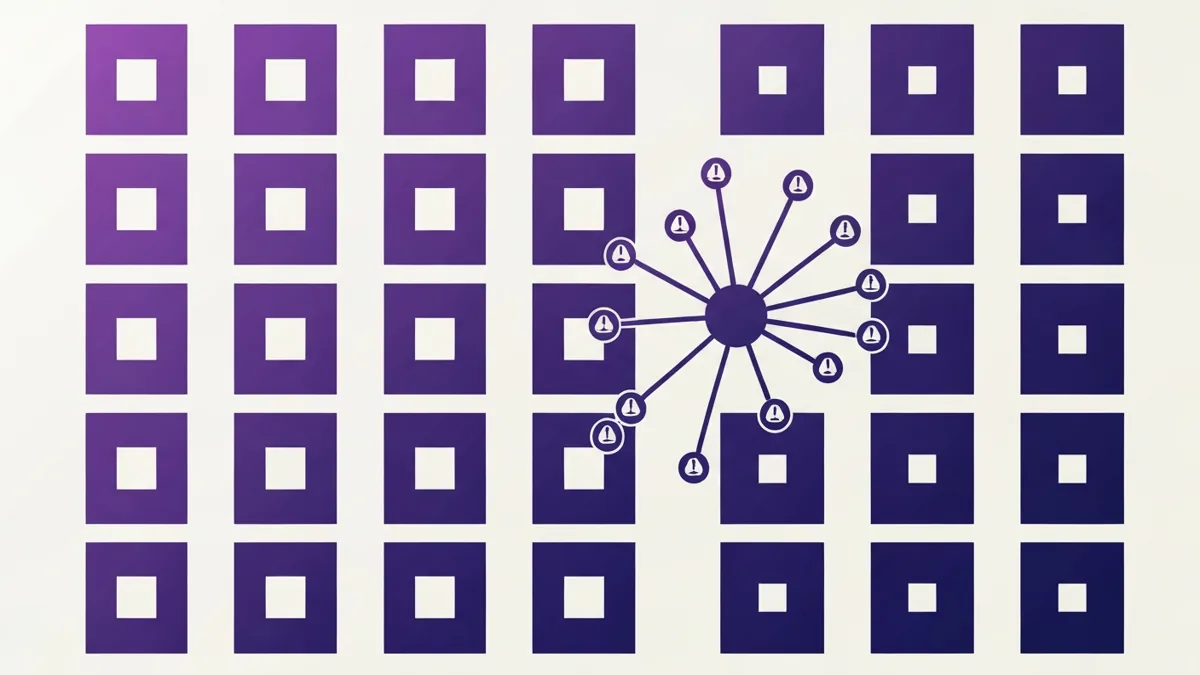
Note the honest framing here: this is not about tricking a filter. It’s about the fact that when you genuinely have variety to offer — different photos of a listing, different product shots, different angles of the same offer — sending the same one everywhere is both weaker marketing and a duplicate signal. Real variety fixes both problems at once.
The honest fix: genuine image variety
There is exactly one durable, honest way to vary images across groups: use more than one real image.
That sounds obvious, but it’s the whole game. Instead of one hero photo, prepare several genuinely different photos of the same thing:
- A listing — the exterior, the kitchen, the backyard, the floor plan.
- A product — a studio shot, a lifestyle shot, a detail close-up, an in-hand photo.
- An event or offer — the flyer, a photo from last time, a behind-the-scenes shot, a map.
Now different groups see different real photos. No two groups are guaranteed the same file, the duplicate footprint drops, and — crucially — each group gets a better, more varied impression of what you’re offering. This is variety you’d want even if Facebook had no spam filter at all.
You can also vary images per campaign: shoot or select a fresh batch of real photos each week so this week’s campaign doesn’t reuse last week’s exact files. Combine that with rotation within a campaign and repetition stays low without any manipulation.
Rotating image sets, explained
Manually assigning a different photo to each of 50 groups is tedious. That’s what Image Sets in MultiGroupPoster automate. It’s the picture equivalent of Spintax: you upload a pool of several different images (or small sets), and each post pulls a different set at random. It is the tool’s only image-variation mechanism — by design, because it’s the honest one.
Here’s how it behaves:
- You create a few image sets and upload your genuinely different photos into them.
- When the campaign runs, each individual post draws one set from the pool.
- Across the run, groups receive different real images instead of one repeated file.
- Draws are de-duplicated per post so a set isn’t accidentally reused where it shouldn’t be.
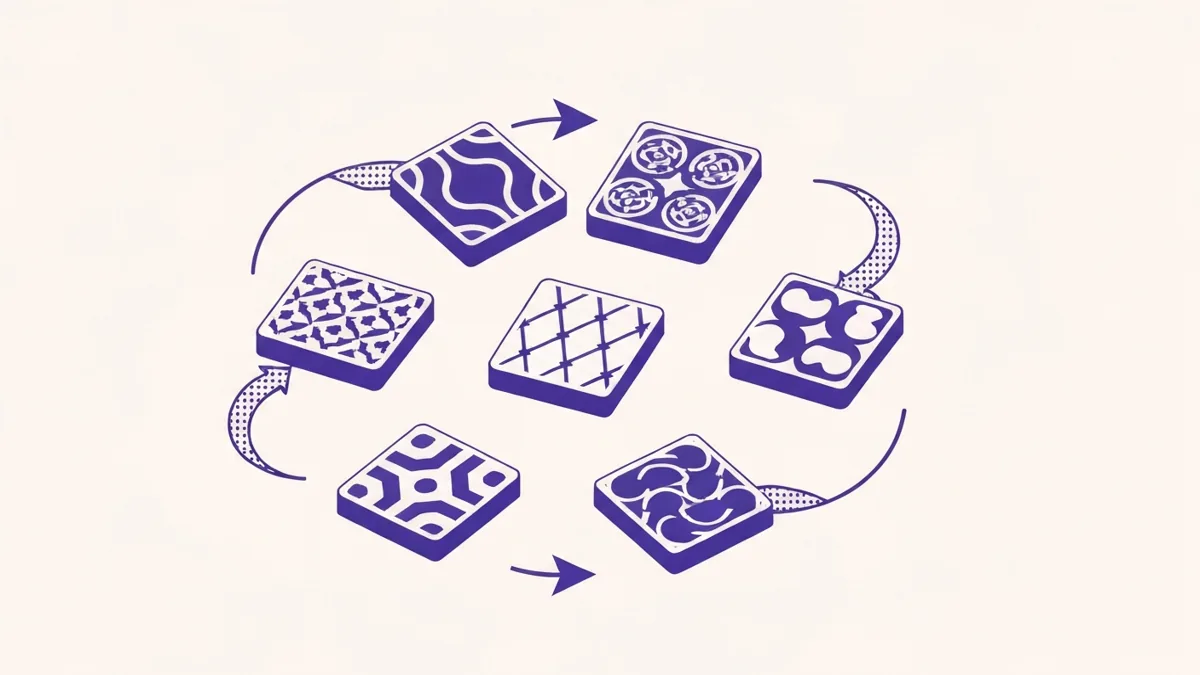
The result looks unique because it is unique — you supplied several real photos and each group got a different one. Nothing about the file is faked, cropped, or disguised. You did the honest work of providing variety, and the tool distributes it.
Identical image vs rotating sets: the risk
The difference between blasting one file and rotating a real pool is stark once you lay it out:
| Approach | What groups receive | Duplicate-image footprint | Honest? | Result |
|---|---|---|---|---|
| Same image file to every group | One identical photo, repeated | High — one fingerprint repeated N times | Yes, but weak | Higher risk of reduced reach / review |
| One photo edited to “look different” (crop / mirror / noise / metadata) | Near-identical variants of one photo | Still detectable; adds deception | No — bad-faith manipulation | Not the product; not recommended |
| Rotating image sets (several real photos) | Different real photos per post | Low — many distinct fingerprints | Yes — genuine variety | Looks unique because it is; reduces risk |
| Rotating sets + text Spintax | Different photo and different wording | Lowest — image and text both vary | Yes | Most human-paced, most varied |
The middle row is the trap to avoid. Editing a single image to fake variety is deceptive, it can still be detected, and it’s not what MultiGroupPoster does. The honest rows — genuine variety and rotation — are the ones that hold up.
Pair image variation with text Spintax
Rotating images solves the picture half of the problem. The text half still matters. If every post says the exact same paragraph, you’ve varied the photo but left a duplicate-text fingerprint — Facebook watches both.
So pair the two. Use text Spintax — the {A|B|C} syntax where the tool picks one option per post — alongside your rotating image sets. Now each group sees a different real photo and different wording. That combination looks far more like a real person posting individually than a bulk blast of one image plus one caption.

For the full syntax, templates, and examples, see the Facebook group Spintax guide. The short version: 3+ alternatives per phrase, spin your call-to-action too, and refresh templates every few weeks so the phrasing itself doesn’t become a fingerprint.
To draft the text variations faster, see using ChatGPT to write Facebook group posts.
How to set up rotating image sets
Here’s the end-to-end flow in MultiGroupPoster. The whole thing takes a few minutes once your photos are ready.
- Gather genuinely different photos. Pull together several real, distinct images of your product, listing, or offer — different angles or settings. Don’t lean on one edited photo; use actual variety.
- Upload them as image sets. In the Image Sets panel, create a few sets and upload your different photos so the extension has a pool to rotate through.
- Write text Spintax. Add
{A|B|C}Spintax to your post text so the wording varies per group too. - Select groups and pacing. Choose the groups you’re a member of, pick a Posting Method (Fast or Safe) and a Natural Presence level (Off, Balanced, or Maximum — Balanced is the default), and keep Time Spacing on randomized delays.
- Publish and review. Publish, then check the post success/failure list. Each post pulls a different image set, so groups receive different real photos instead of one repeated file.

MultiGroupPoster runs entirely in your own logged-in Chrome session — it never stores your password and only posts to groups you’re already a member of. Human-paced randomized delays and Balanced protection are on by default, which keeps the whole campaign looking like a real person rather than a burst of automation. This pacing pairs naturally with the advice in our guide to bulk posting without getting restricted.
One honest caveat on reporting: MultiGroupPoster’s report is a post success/failure list, not per-group analytics. It tells you which posts went through and which groups rejected them — enough to spot and drop problem groups — but it won’t chart engagement per group. If a tool promises per-group analytics for group posting, be skeptical.
What not to do (and why)
It’s worth being blunt about the shortcuts you’ll see recommended elsewhere, because they’re both ineffective and dishonest:
- Auto-crop, mirror, or flip one image to spawn “variants.” These are still the same photo, still detectable, and it’s faking variety rather than providing it.
- Add noise, tweak brightness, or re-compress to change the hash. Same problem — you’re trying to disguise one file, not offer real variety.
- Rewrite EXIF/metadata for “fresh” files or otherwise hash-bust. This is manipulation, not marketing, and it isn’t what MultiGroupPoster does.
No tool can promise your account will never be flagged, and any product claiming to make posting “ban-free,” “undetectable,” or “100% safe” is overselling. The honest, defensible position is simpler: provide genuinely different real images, rotate them, pair them with text Spintax, and pace posts like a human. That reduces your duplicate-image footprint the right way — by actually being varied — and it makes your posts better in the process.
FAQ
Why does Facebook flag the same image posted to many groups?
Facebook fingerprints images and text to catch spam. When the identical image file lands in many groups in a short window, that repetition is a duplicate-content signal that can slow your reach or get posts filtered. The fix is genuine variety — post different real photos so groups don’t all receive the exact same file.
How do I vary images across Facebook groups?
Upload several genuinely different photos or image sets, then let each post pull a different one. In MultiGroupPoster this is called Image Sets (rotating image sets): each post draws a different uploaded set at random, so no two groups are guaranteed the same image. Pair it with text Spintax so both the words and the pictures differ.
Is it okay to just edit one photo — crop or mirror it — to make it look different?
No. Auto-cropping, mirroring, adding noise, or rewriting metadata to disguise one image is deceptive and bad-faith advice — and it doesn’t create real value for readers. The honest, durable approach is to use several genuinely different photos of your product, listing, or offer and rotate them. Real variety beats faked variety.
What are rotating image sets?
Rotating image sets are a pool of several different images (or sets) you upload once. For each post the tool pulls one set at random, like Spintax but for pictures. Groups receive different real images instead of one repeated file, which reduces the duplicate-image footprint of a campaign.
Do I still need text Spintax if I rotate images?
Yes. Facebook watches both image repetition and text repetition. Rotating images varies the pictures; text Spintax ({A|B|C} syntax) varies the words. Using both together means each group sees a different image and different wording, which looks more like a real person and less like a bulk blast.
How many images or sets should I prepare?
Aim for enough that no single image repeats too often across your group list — a handful of genuinely different photos is a good start, more if you post to many groups. MultiGroupPoster supports multiple image sets per campaign, so build a small library of real photos and refresh it as you shoot new ones.
Want rotating image sets plus human-paced posting in one tool? MultiGroupPoster ships Image Sets, text Spintax, and randomized delays out of the box. Start on the free trial (no credit card) and see how different real photos across your groups look and perform.