Feature-by-feature comparison
| Feature | MultiGroupPoster | PilotPoster |
|---|---|---|
| Posts to FB groups | ✓ | ✓ |
| Engine architecture | Direct API (FB internal API) | DOM scraping |
| Resilience to FB UI changes | High — updates ship in hours | Lower — breaks on UI changes |
| Realistic typing simulation | ✓ | ✓ |
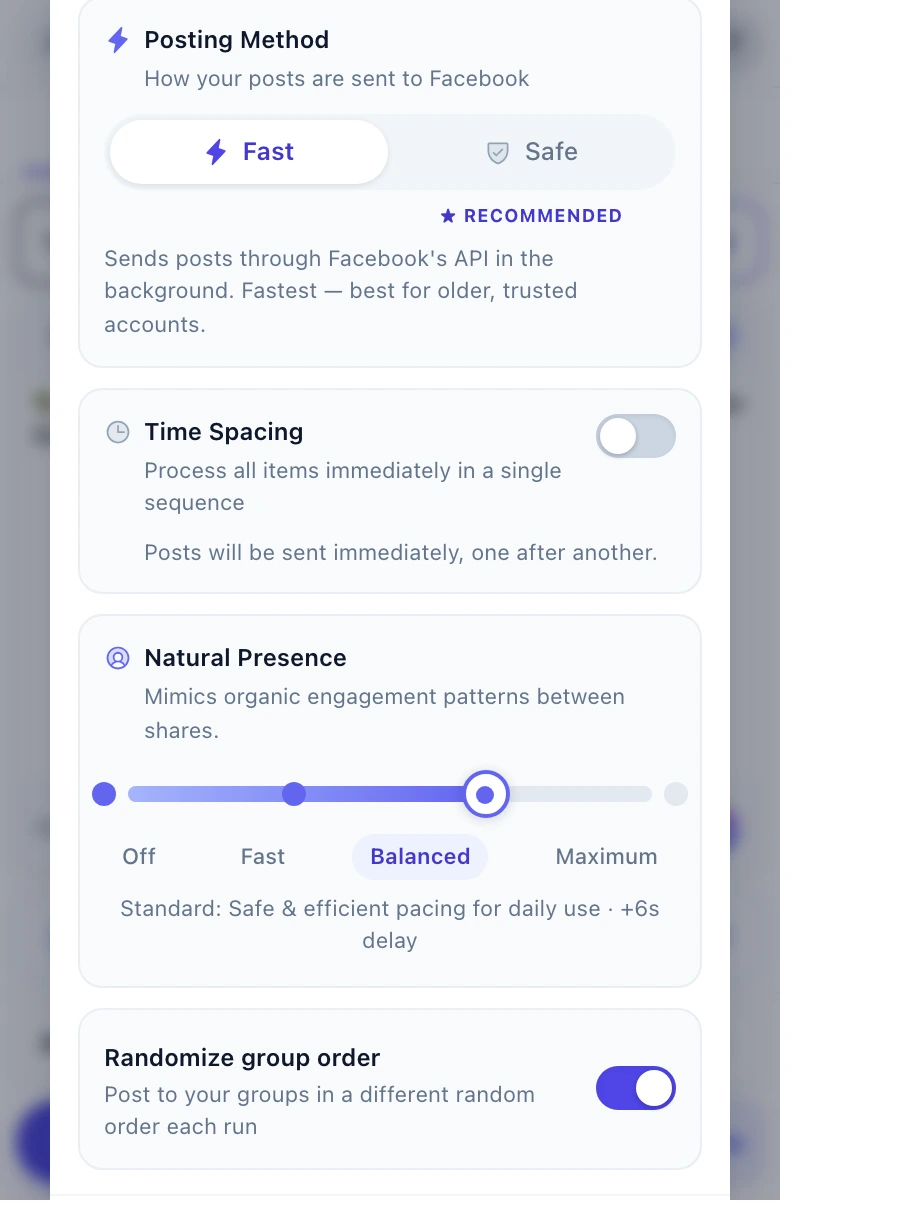
| Randomized delays | ✓ (30–60s default) | ✓ |
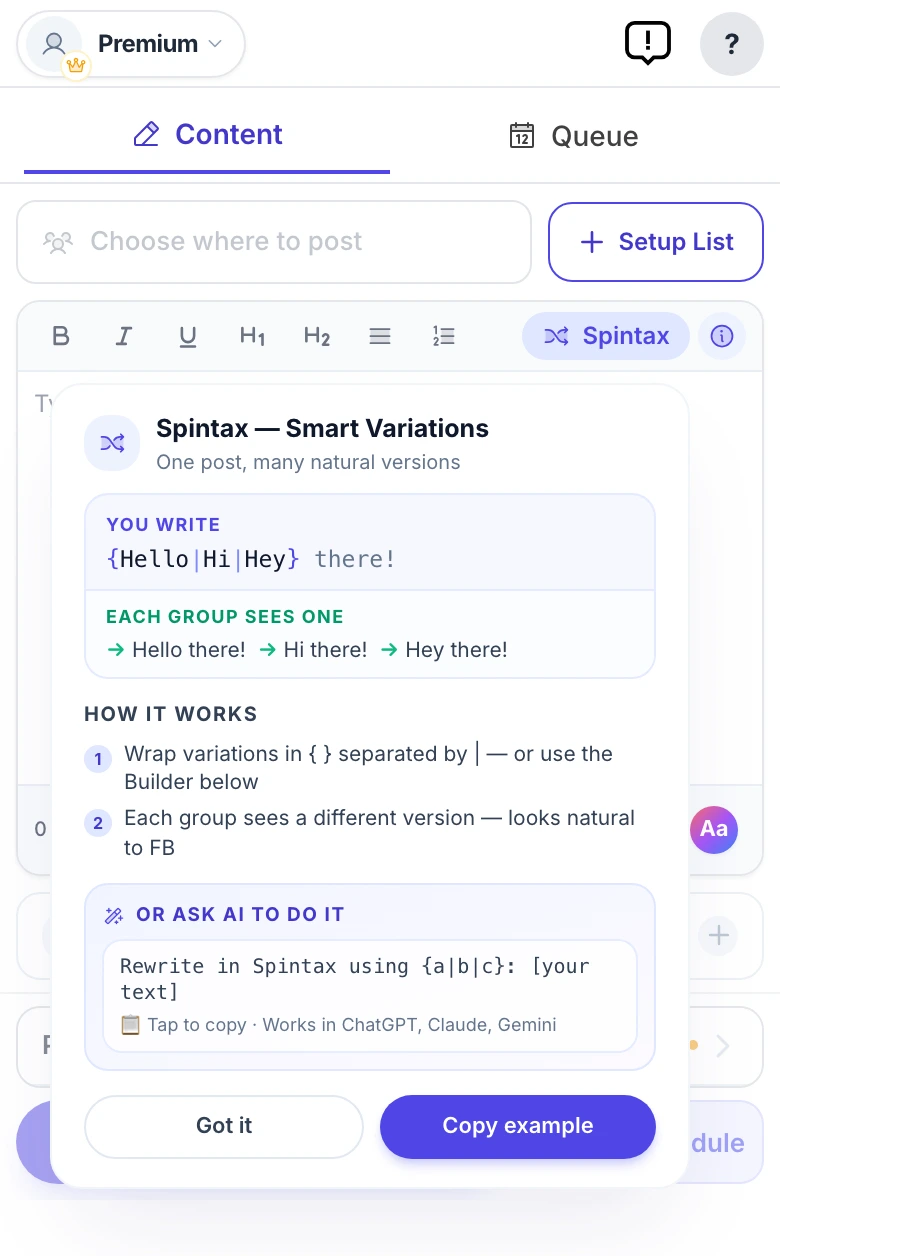
| Spintax variations | ✓ (with live preview) | ✓ |
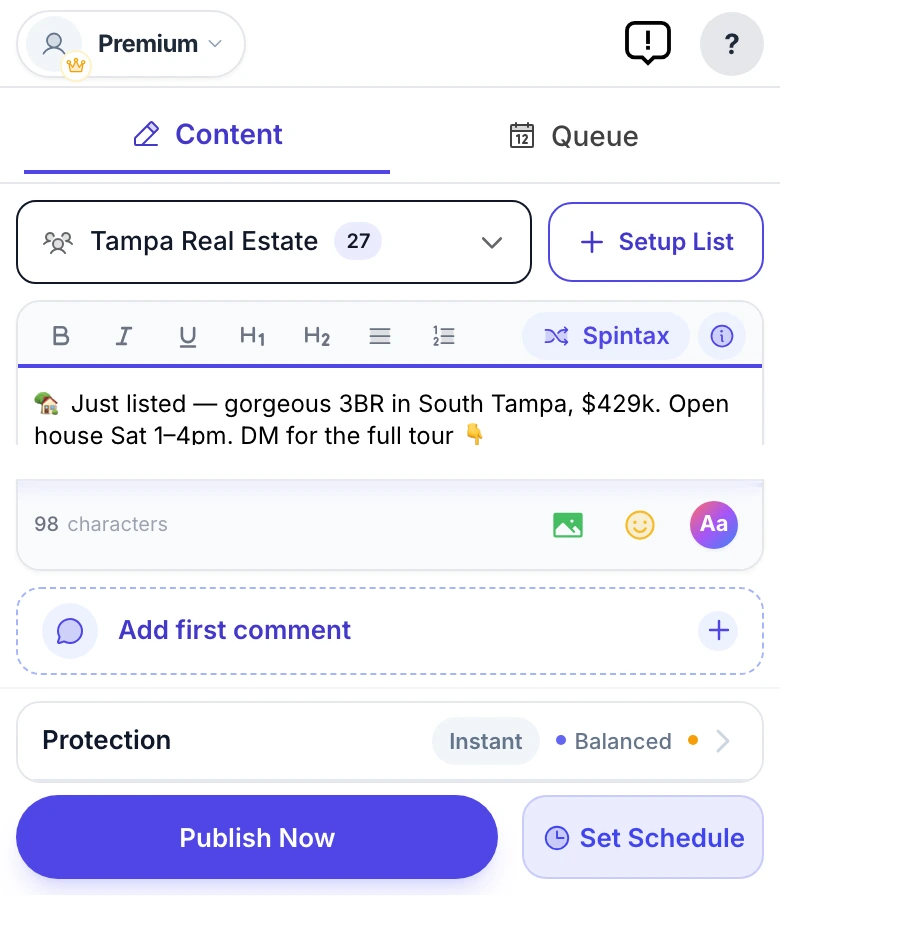
| Group list management | ✓ (tag, save, reuse) | ✓ |
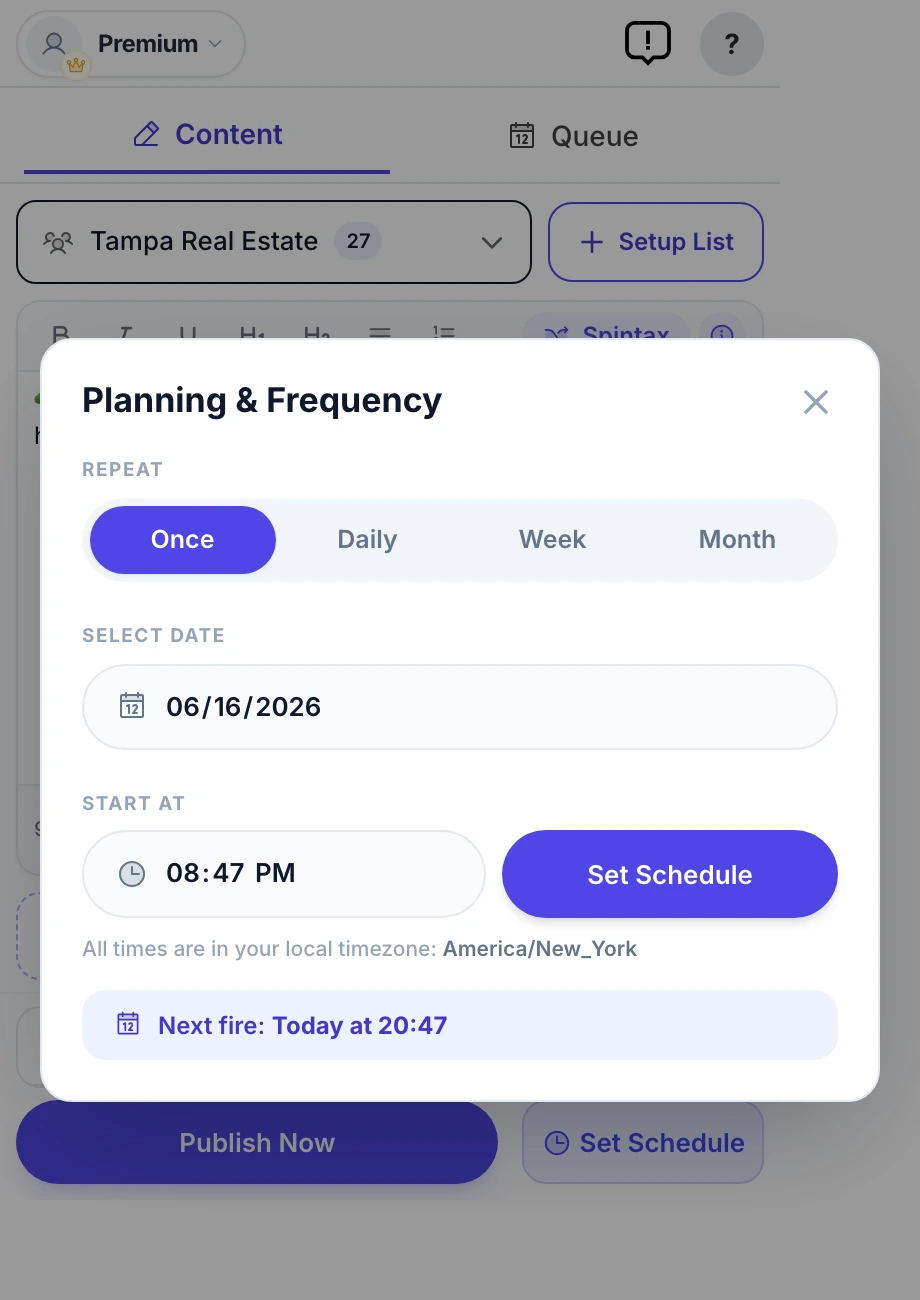
| Scheduling | ✓ | ✓ |
| Per-group analytics | ✓ | Limited |
| Free plan | ✓ 6 posts to try (one-time) | Trial only |
| Starting price | $8.99/mo | $25-50/mo |
| Annual discount | Save 35% ($69.99/year) | Varies |
| Browser support | Chrome, Edge, Brave | Chrome only |
Where each one wins
MultiGroupPoster wins on:
- Engine resilience. A direct-API approach doesn't break when Facebook changes its UI. PilotPoster's DOM-based approach means scraping breaks every few weeks when Facebook tweaks the markup, requiring an update.
- Price. $8.99/mo is roughly 3× cheaper than PilotPoster's $25-50/mo.
- Free tier. 6 posts to try (one-time) is genuinely useful for solo marketers and side projects. PilotPoster requires payment.
- Spintax preview. See exactly what 3 sample groups will receive before clicking publish — catches typos and weird phrasings.
- Browser support. Works in Chrome, Edge, and Brave (any Chromium browser).
PilotPoster wins on:
- Track record. PilotPoster is the longest-running name in this niche and advertises "trusted by 2,000+ marketers" — if your team or community already knows it, that familiarity has real value.
- Public demo video. Their site has a full "see it in action" walkthrough video; we currently show an interactive demo, not a recording.
- Post-as-Page handling. Some users prefer PilotPoster's specific approach to publishing into groups as a Page.
- Refund clarity. They advertise a 7-day refund guarantee with cancel-anytime, clearly stated on the homepage.
Feature matrix and the points above last verified against pilotposter.com's public site and Chrome Web Store listing on 2026-06-10.
When to pick which
Pick MultiGroupPoster if:
- You're starting fresh and want the cheaper, more resilient option.
- Account safety matters most (direct API is harder to detect than DOM scraping that has to do many extra clicks).
- You want a real free tier to test the workflow before paying.
- You use Edge or Brave instead of plain Chrome.
Pick PilotPoster if:
- You already pay for it and the workflow works for your team.
- You need a specific feature MultiGroupPoster doesn't have (rare — but worth checking before switching).
Migration notes
If you're switching from PilotPoster to MultiGroupPoster, the migration is straightforward:
- Install MultiGroupPoster from the Chrome Web Store.
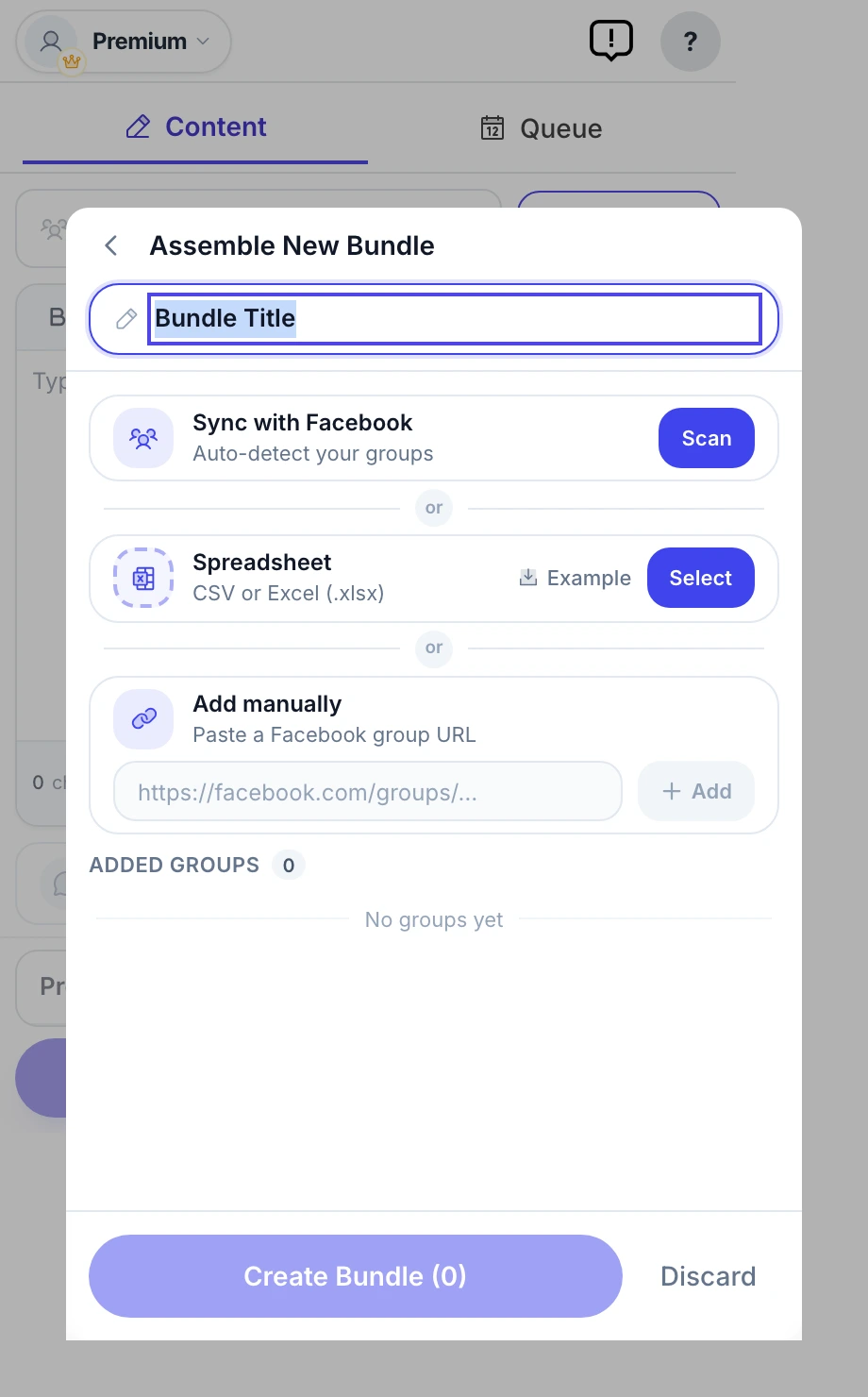
- Open the extension on facebook.com — it auto-imports every group you're a member of.
- Recreate your saved group lists (export from PilotPoster if available; otherwise rebuild — usually 5-10 minutes).
- Copy your Spintax templates over. The syntax is identical between the two products (
{option1|option2}). - Run a small test campaign (5–10 groups) to verify everything works as expected.
Most users complete migration in under 30 minutes. There's no risk of "dual-running" — both extensions can be installed at the same time during the transition.